Device
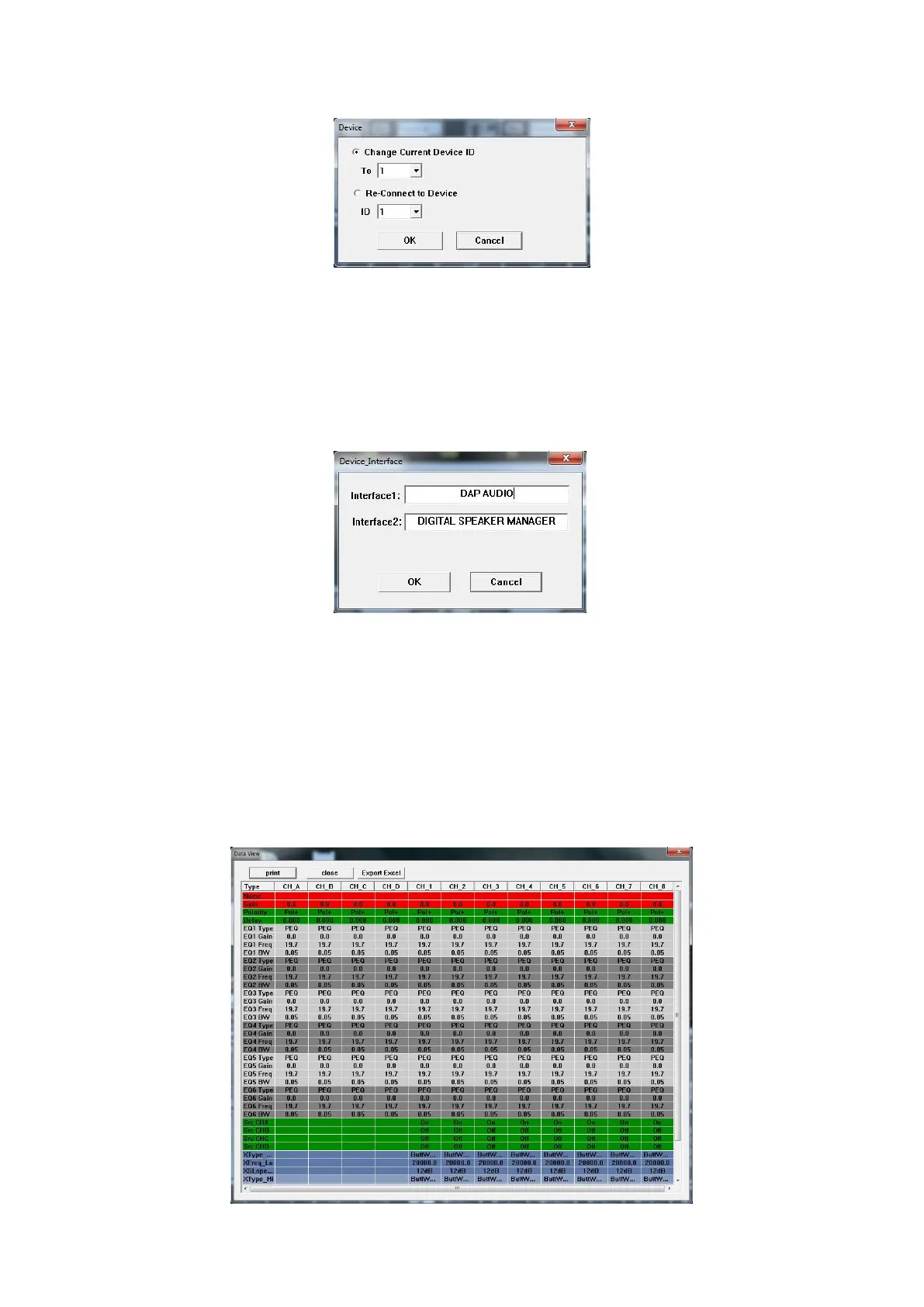
Clicking the device button opens the window shown below.
Change Current Device ID
Allows you to change the ID number of the DSM-26 you’re currently connected to.
Re-Connect to Device
Allows you disconnect from the DSM-26 you’re currently connected with.
Interface
Clicking the button opens a window which allows you change the message on the display of the
DSM-26 while the unit is standby.
Interface 1
Allows you to edit the first line of the display.
Interface 2
Allows you to edit the second line of the display.
Notebook
The notebook button opens an notepad which allows you to ad notes to a program.
Report
The report window allows you to view the settings of your program and to print them out or export
them as an excel file.


 To Next Page