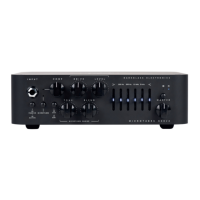
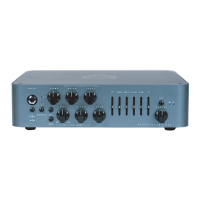
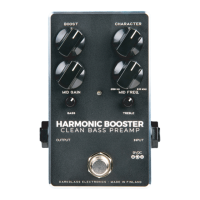
INPUT : Connect your instrument via a standard ¼”
mono cable.
PASSIVE/ACTIVE : Switch from passive to active
mode. Some active basses can have a hotter signal
output which can make the amp distort early (feel
free to use it on Passive move even with active
basses if such additional distortion is desired).
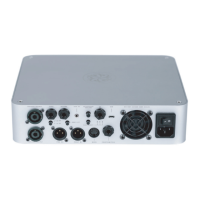
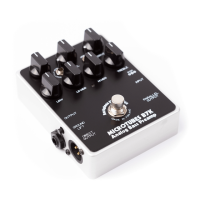
MICROTUBES: Turns on or off the Microtubes Engine
™ to add natural compression, organic harmonic
enhancement, and saturation ranging from mild
overdrive to high gain bass rage.
The Microtubes Engine operates before the clean
section (you can therefore use the 4 Band Active EQ
for additional tone shaping in addition to the Tone
knob described below).
DRIVE : Controls the amount of distortion that the
Microtubes Engine will deliver. It will change
from a soft warm overdrive to a massive modern
distorted tone.
FEATURES
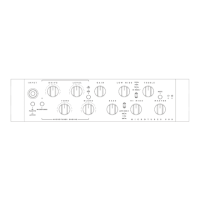
FRONT PANEL
TONE : Controls the high harmonic content of the
Microtubes Engine via a variable low pass filter:
crank it up for additional attack and definition or
dim it down for a smoother sound. This is handy if
running bright clean EQ settings or cabinets with
tweeters.
LEVEL
: Controls the Microtubes Engine’s output
volume.
BLEND
: Mixes between the Clean signal and the
Distortion signal (Microtubes Engine).
B3K/VMT
: Selects between two overdrive voicings:
B3K mode will deliver an aggressive, percussive
sound while the VMT will bring up the mids for a
warmer, more neutral character.


 To Next Page