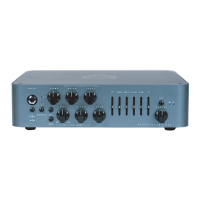
FEATURES
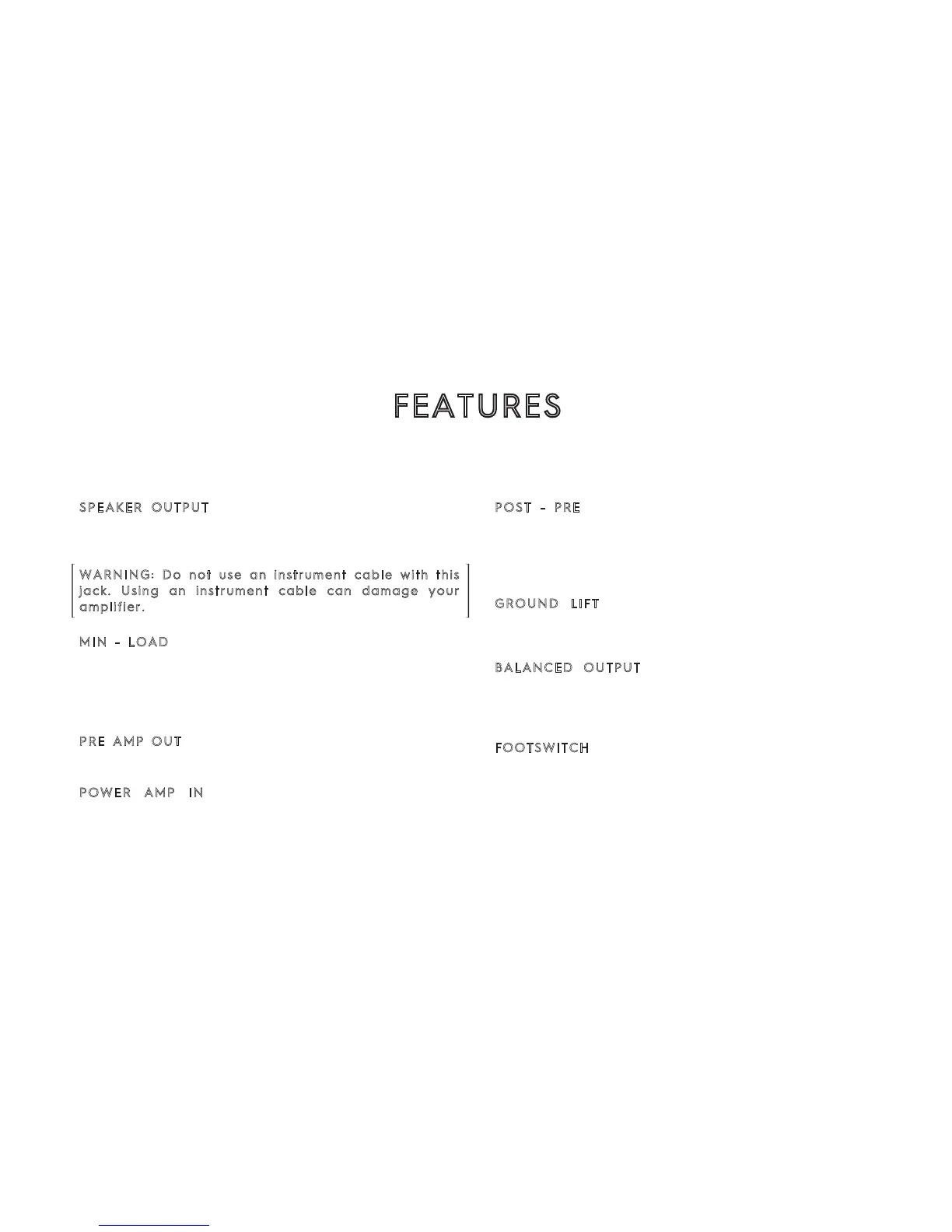
BACK PANEL
SPEAKER OUTPUT : Connects the amplifier to your
cabinet. This Speakon combo jack allows for either
Speakon or ¼” speaker cable operation.
WARNING: Do not use an instrument cable with this
jack. Using an instrument cable can damage your
amplifier.
MIN - LOAD : Press when using a 2Ω load. You can
use this control to lower the output if your 4Ω
cabinet is not able to handle more than 500W (you
can also get 350W with an 8Ω cabinet in this
configuration).
PRE AMP OUT : This output connects the preamp to
a different power amp.
POWER AMP IN : Use this input to connect a
different preamp to the power amp. (master volume
will be disabled)
POST - PRE : Selects what signal will be delivered
by the DI output. Selecting PRE, sends a clean copy
of your input bass signal. Selecting POST delivers a
signal processed by the preamp of the amp (gain,
distortion, eq, master, etc.)
GROUND LIFT : Lifts the ground of the DI XLR
output. If a ground noise in you DI signal is
experienced, try changing the setting of this control.
BALANCED OUTPUT: Connects the Microtubes 900
preamplifier to balanced equipment (mic preamp,
console, recorder, compressor, audio interface, etc.)
via a standard XLR jack.
FOOTSWITCH : The Footswitch allows you to remotely
engage and disengage the Microtubes Engine. Hold
the footswitch to Mute the amplifier. The VMT/B3K
push button will remain operational with the
Intelligent Footswitch plugged in.


 To Next Page