27
2.4 LCR 2 way mode
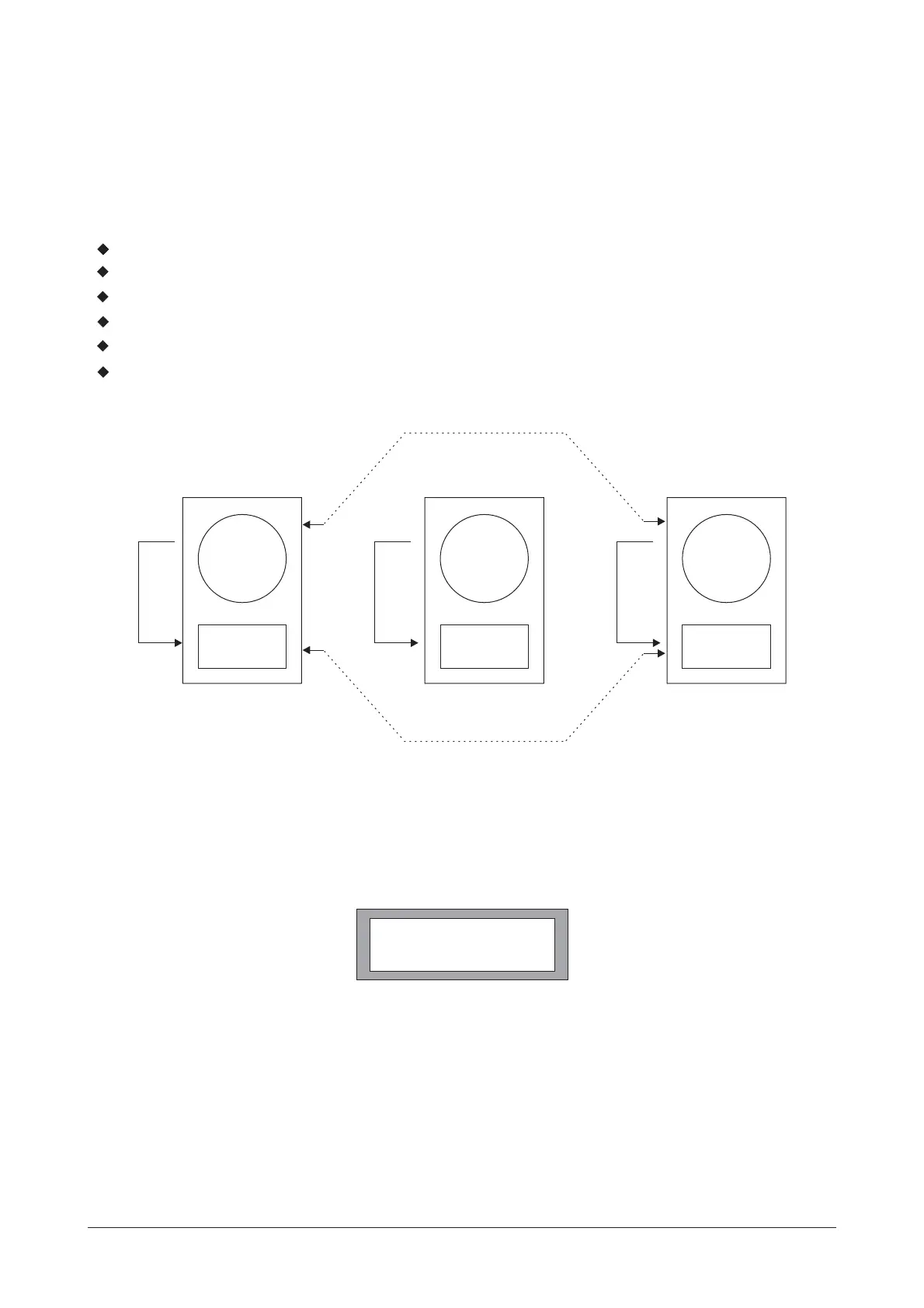
When using a derived center cluster feed such as in LCR (Left, Center, Right) installation, the
configuration can be changed to a 3 channel 2 way configuration, where the center channel is a sum
of A and B.
Outputs 1 and 4 are routed from Input A.
Outputs 3 and 6 are routed from Input B.
Outputs 2 and 5 will be routed from Input sum A+B.
All delay linking defaults to off.
Stereo Link will be switched on.
Band Names will be set to 'Low' and' High'.
3. Stereo Link
3.1 Stereo Link
3.2 Step and Offset
A step
This parameter adjusts the stereo linking of various Input and Outputs Parameters and works in
conjunction with the Configuration setting. This parameter is also stored as part of the Program data.
In 2 channel 3 way mode, Output pairs 1 and 2, 3 and 4, 5 and 6 are linked.
In LCR 2 way mode Outputs 1, 2 and 3 are typically low and 4, 5 and 6 are high.
There are two different relationships between linked parameters: Step and Offset.
parameter has discrete selections such as filter type, high pass slope, polarity, etc. When
SETUP
STEREO LINK ON
L
H
L
H
L
H
Delay
Link
Delay
Link
Delay
Link
Output 1 Output 2 Output 3
Output 4 Output 5 Output 6
Stereo Link
Stereo Link
OPERATION
Manual del usuario/ User´s manualDSP-26



 To Next Page