33
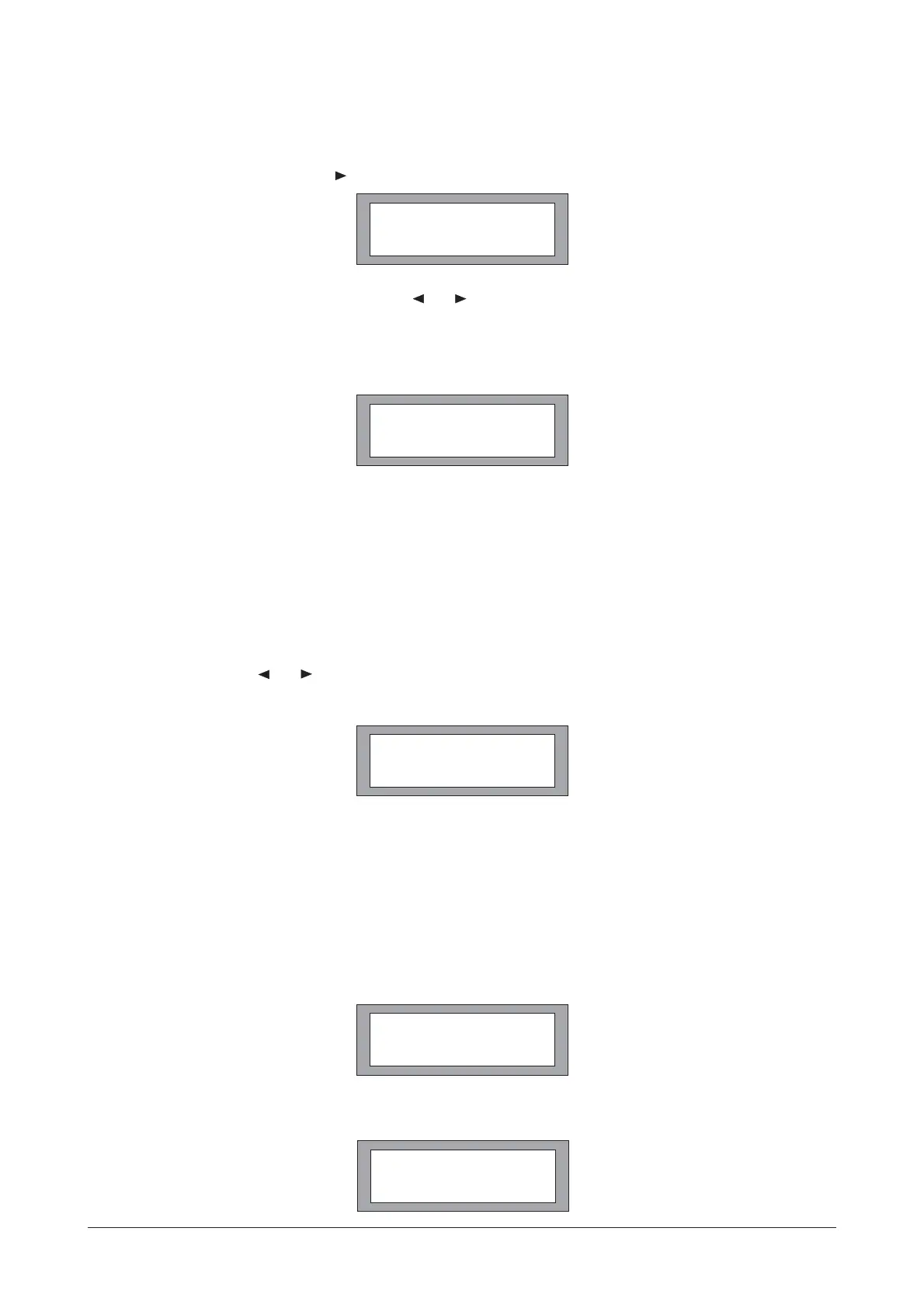
To delete a Program, press either or turn the encoder clockwise.
Choose the program to be deleted using the and button, or rotary control.
Press r to delete the Program.
Pressing the button at any time will leave the Delete Program mode.
Notes:
Locked Programs have to be unlocked before they can be deleted, this applies to Program lock and
the OEM/Owner locks.
MIDI is used to transmit and receive Program changes and to transmit system exclusive dump data
between units. Use the and buttons or rotary encoder to adjust the channel number from 1 to 16.
Both sending and receiving equipment needs to be set to the same MIDI channel to communicate
correctly.
. MIDI Mode(OFF, PROGRAM, MASTER, THRU, PC PORT)
This mode sets the type of information the DSP-26 transmits on its MIDI out socket, and is dependent
on the use of the DSP-26 in the system. The possible selections are:
OFF
No MIDI messages, except systems exclusive dumps, are transmitted.
PROGRAM(Prog)
Enables the unit to transmit MIDI program changes.
8. Delete Program
9. MIDI Operation
Ente
PREV/NEXT
9.1 MIDI Channel Number(1-16)
92
SETUP
DELETE PROG NO
ENTER TO DELETE
1 MONITORS
SETUP
MIDI CHANNEL 16
SETUP
MIDI MODE OFF
SETUP
MIDI MODE PROG
OPERATION
Manual del usuario/ User´s manualDSP-26



 To Next Page