16 ∙ slicing
slicing
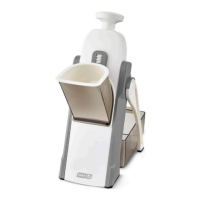
1. Start by setting up your Safe
Slice Mandoline according to the
instructions on pages 10 to 13.
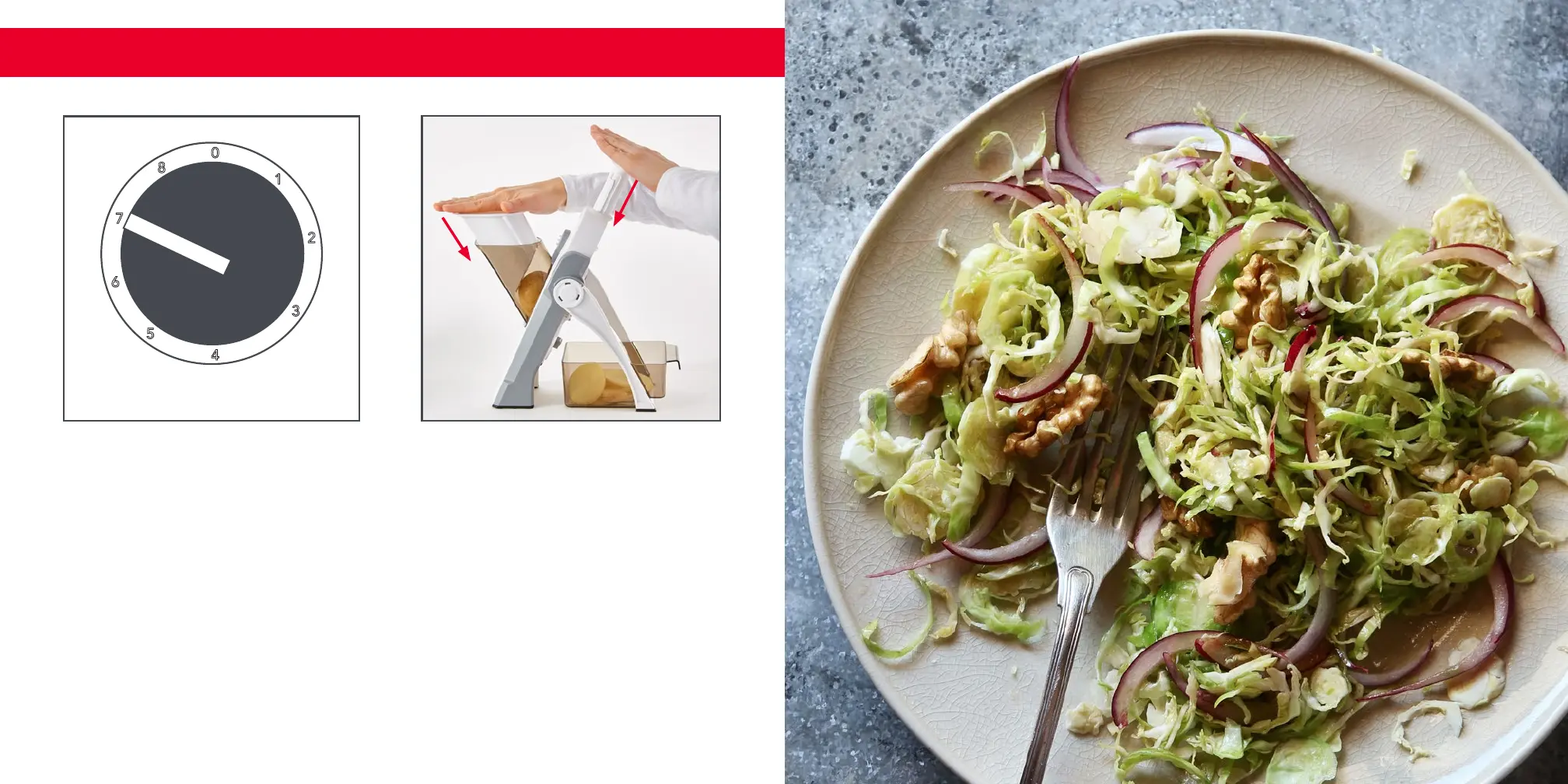
Set your Thickness Adjuster for
your preferred slice size.
Higher numbers correspond to
thicker slices.
2. Place your chosen ingredient in
the Ingredient Chute and use the
Ingredient Pusher to push your
ingredient against the Blade. Push
down on the Handle to slice and
then release (photo A).
slicing
A
3. Continue to use the Ingredient
Pusher to guide your ingredient
against the Blade while you press
and release the Handle to slice.
Repeat until your ingredients are
sliced to your liking (photo B).
B
slicing ∙ 15
slicing


 To Next Page