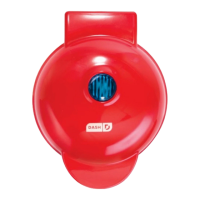
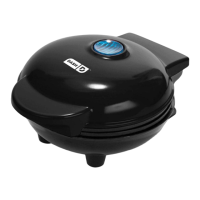
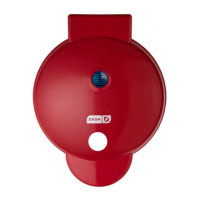
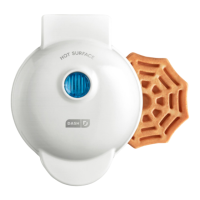
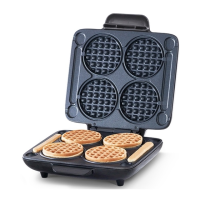
Place the appliance on a stable and dry surface. Plug the cord into a power outlet. The
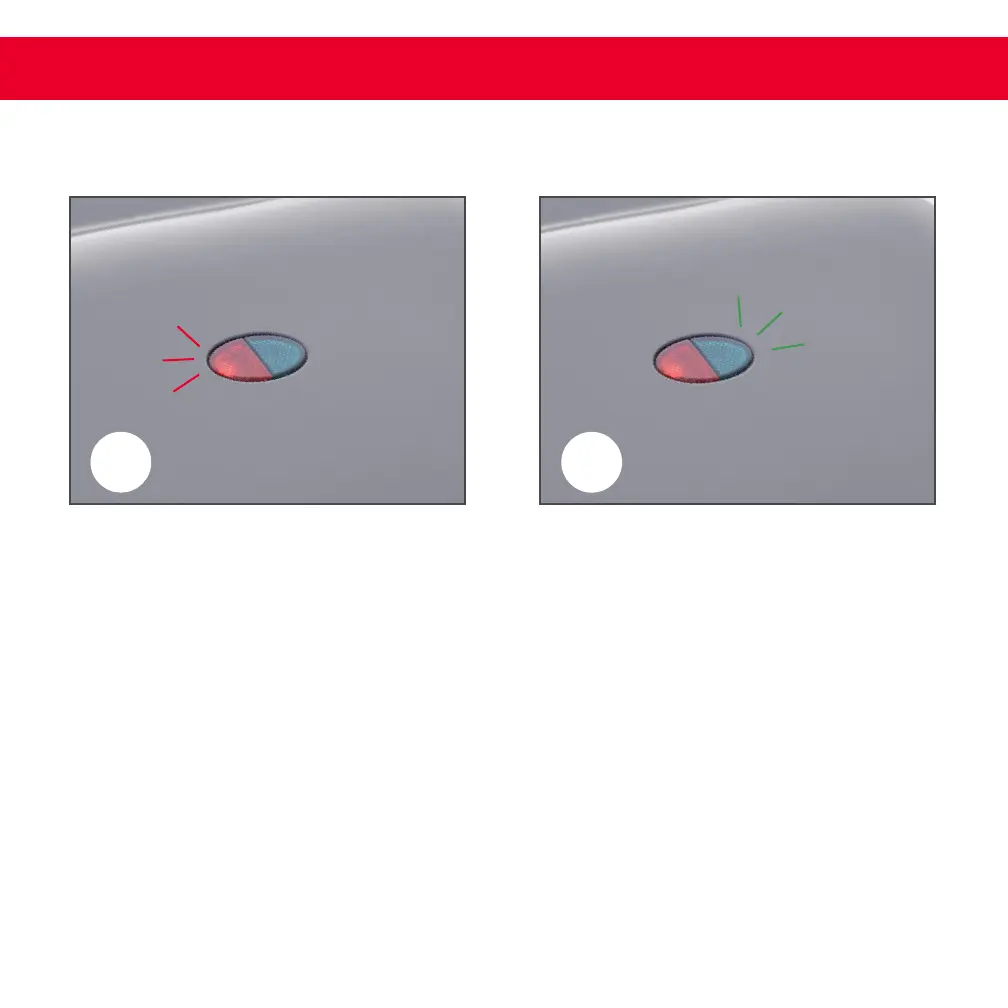
Red Indicator Light (photo A) will illuminate, signaling that the Multi Mini Wafe Maker
is heating up.
Once the Cooking Surface reaches the optimal cooking temperature, the Green Indicator
Light will illuminate (photo B). Now, you’re ready to get cooking!
1
2
using your multi mini waffle maker
A
B
∙ 8 ∙


 To Next Page