1
Paperlike Pro
2
Paperlike Pro
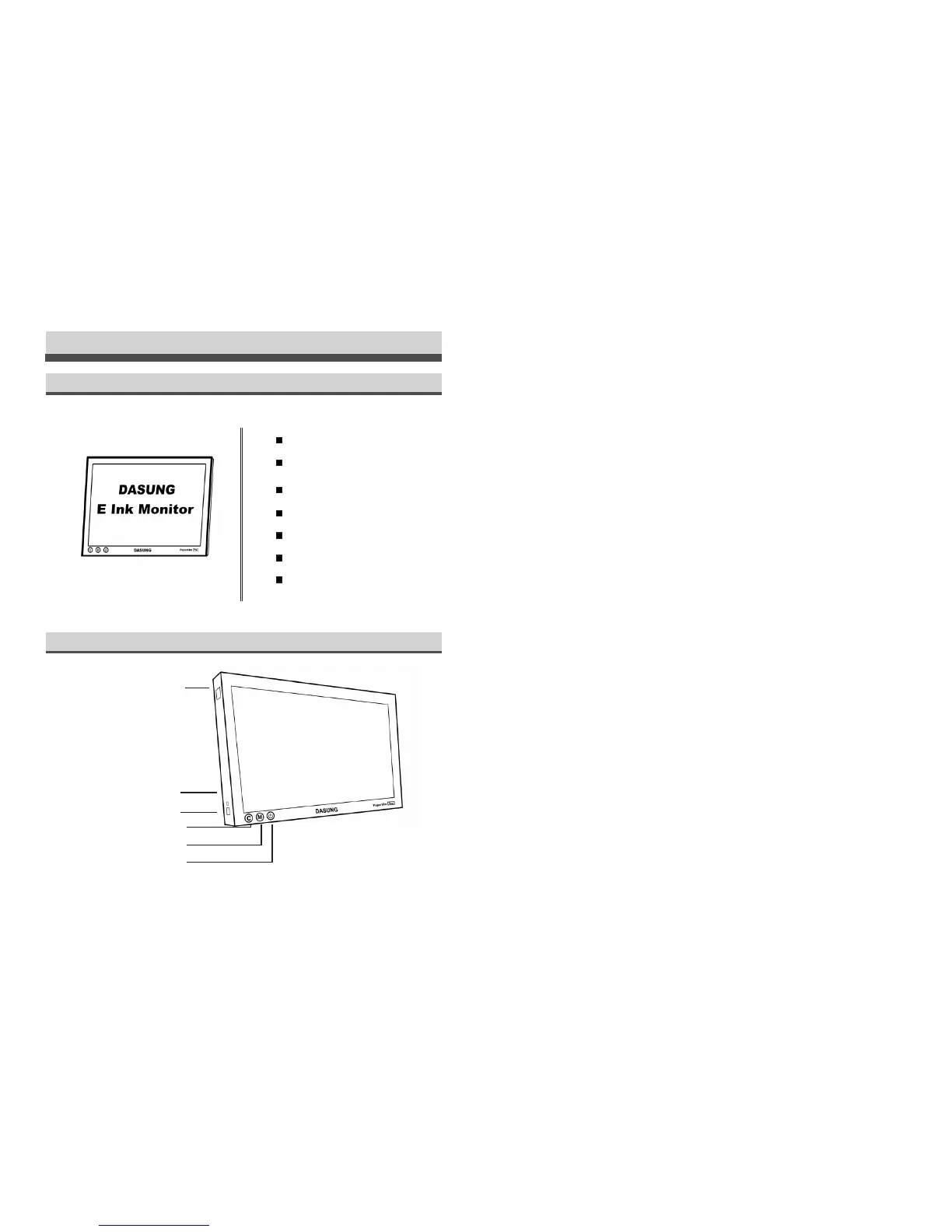
Packing
Paperlike Pro
USB disk with software installation
package inside
HDMI cable
Portable stand
Instructions
Components
Instructions
4.
Clear ghost shadow button (One click to clear the ghost shadow on screen)
5.
Change mode button (Click to change display mode)
6.
Power (Click to turn o Paperlike Pro's)
7.
C button and M mode button pressed together; monitor will reboot
VESA screws
USB-A male to USB-A male cable
USB external light
Indicator light
Mini-HDMI
Clean ghost button
Change mode button
Power
1
、
2
、
3
、
4
、
5
、
6
、
1.
Interface for USB external lamp
2.
Indicator light (Indicate Paperlike Pro’s status)
3.
Interface for Mini-HDMI (Only for data transmission and power supply. Other use shall
be prohibited)



 To Next Page