Display User Manual
DDJ08001001 1-Mar-04
Page 16
This option works like load except the loaded animation/frame sequence is joined at
the current frame.
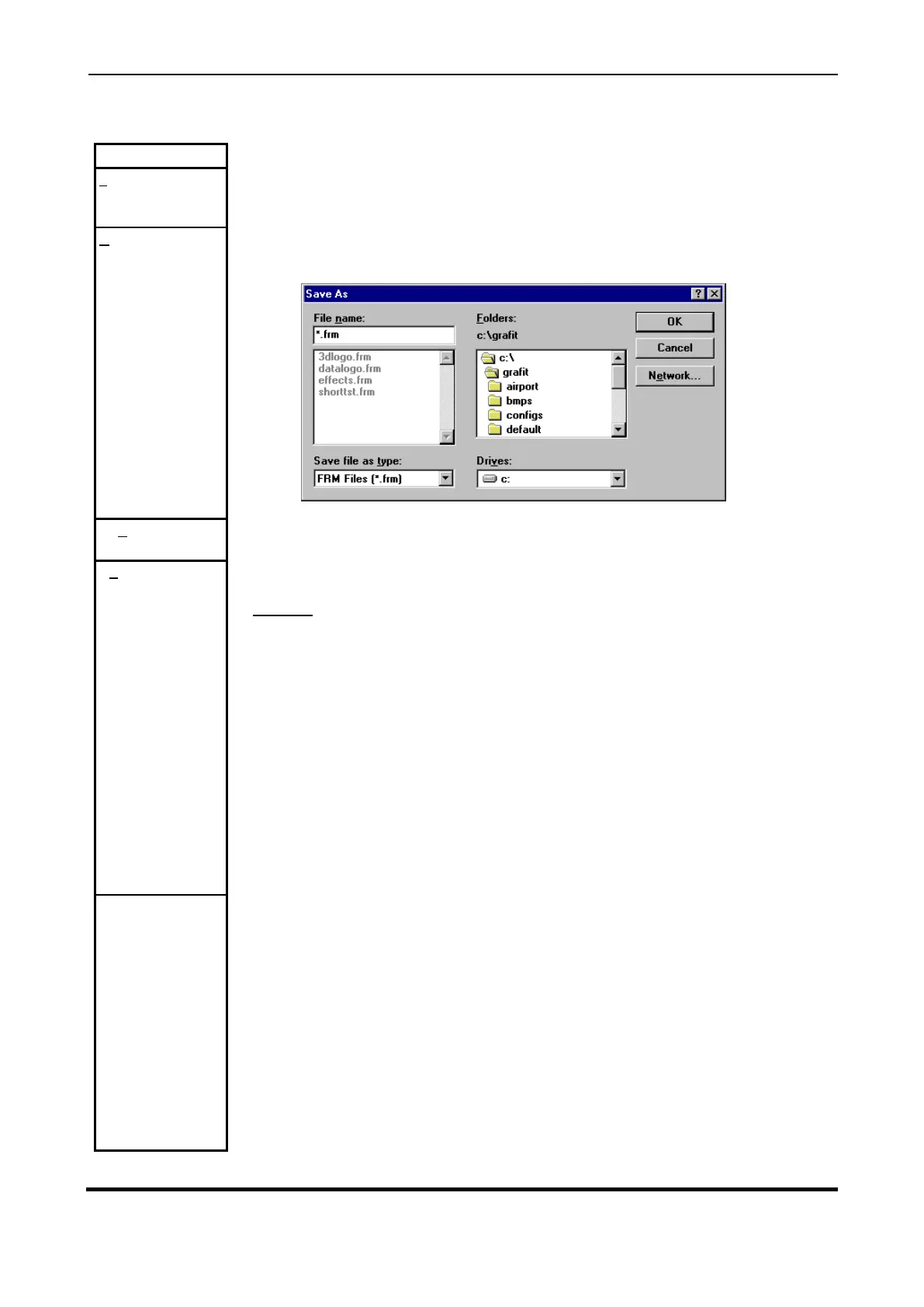
This option 'Save' under 'Anim' provides the facility to save any changes to the of
sequence of bitmaps or the system e.g. pause rate, of this application as a '.FRM'
file. A '.FRM' file is a sequence of frames.
Send animation sequence to attached Display hardware.
Selecting this option provides a dialog box, which enables the user to define Display
specific animation parameters.
Frames:
The number of pages or picture frames in the animation.
Pause:
The 'pause' allows the user to set the same delay between all frames in the
animation sequence. To define a pause click the left mouse button in the space to
the right of 'Pause' and type in your required value.
BUTTONS
Accept configuration as entered.
Exit dialog without altering bitmap effect or pause file.
Clicking with the left mouse button on 'Frame- ' replaces the current bitmap frame
with the previous bitmap frame for viewing. This option is also available as the fifth
button on the speed bar.



 To Next Page