Display User Manual
DDJ08001001 1-Mar-04
Page 17
Clicking with the left mouse button on 'Frame + ' replaces the current bitmap frame
with the following bitmap frame for viewing. This option is also available as the sixth
button on the speed bar.
Clicking with the left mouse button on 'Play' will show each frame, of the '.FRM' file,
in sequence one after the other at a rate depending on the delay until the user
chooses to stop. This option is also available as the seventh button on the speed
bar.
Clicking with the left mouse button on 'Stop' will stop the animation. This option is
also available as the eight button on the speed bar.
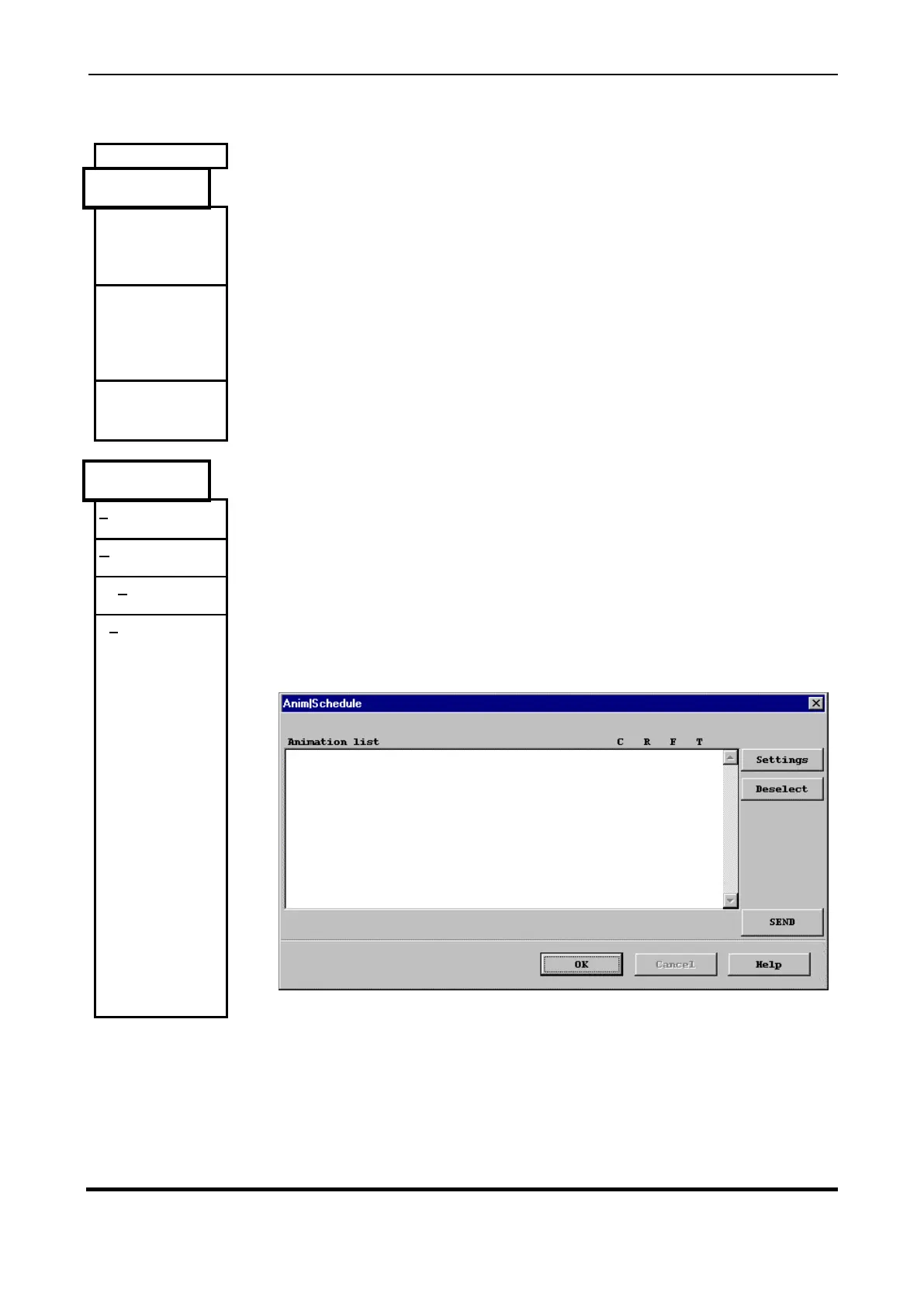
This menu provides options for dealing with schedules of animation sequences.
Load a schedule setup from a .SCH file on disk into memory.
Save a schedule setup to a .SCH file on disk.
Send the current schedule setup to the Display.
Popup the Schedule setup dialog that provides an interface with which you can
create and edit an animation schedule.



 To Next Page