Data Support Co., Inc * Toll Free 800-726-5883 * Tel: 818-988-7499 * Fax: 818-988-7671 * www.dsctest.com
8
Cleaning
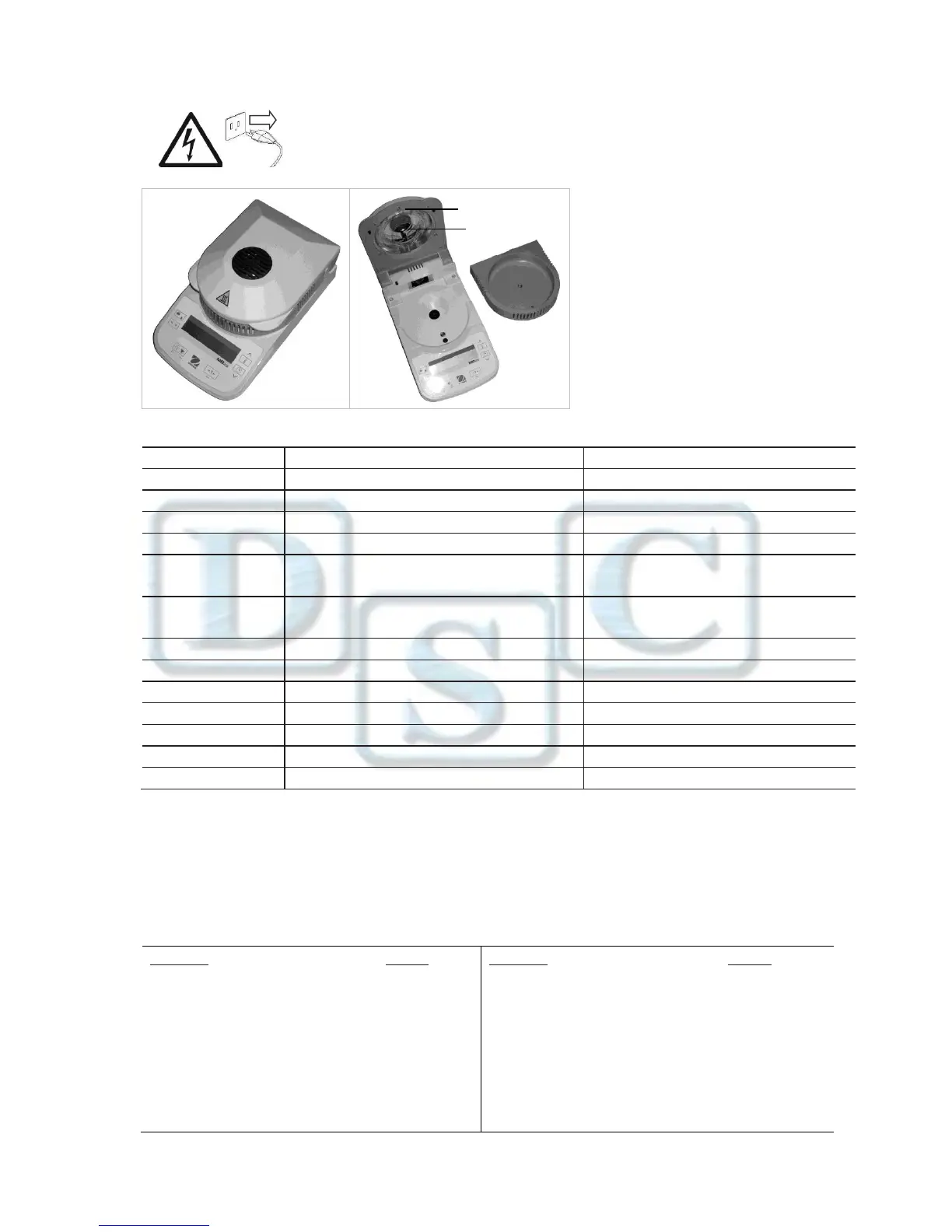
Disconnect the Fat tester from the power supply before cleaning the Fat tester.
Make sure that no liquid enters the interior of the Fat tester.
Make sure the Fat tester is cooled down before cleaning.
Clean the Fat tester at regular intervals.
Housing surfaces and the temperature sensor
may be cleaned with a lint-free cloth slightly
dampened with water or a mild cleaning agent.
Glass surfaces may be cleaned with a
commercial glass cleaner.
Do not use solvents, harsh chemicals, ammonia
or abrasive cleaning agents.
Verify connections and voltage
Sample weight less than 0.5g
Pan weight needs set to zero
Cover needs to be closed before starting test
Improper calibration
Unstable environment
Perform calibration
Move the Fat tester to suitable location
Unstable environment
Incorrect calibration masses
Move the Fat tester to suitable location
Use correct calibration masses
Pan Support has load during power on
Remove weight from pan support
Pan Support was removed prior to power on
Weight on Pan Support exceeds capacity
Remove weight from the Pan Support
Pan Support was removed during weighing
Factory calibration data corrupted
Contact DSC at 800-726-5883
Contact DSC at 800-726-5883
Service Information
If the troubleshooting section does not resolve or describe your problem, contact your authorized DSC service agent. Please visit our
web site: www.dsctest.com. Call 800-726-5883
Accessories
Description Part No.
Sample Test Accessories (100 Test) PD100T
Sample Pan Handler 80252476
50g Calibration Weight 51054-16
Thermal Printer DSC103G
Paper for Printer PP250X80
Description Part No.
Printer Ribbon Cassette RC200P
Protective Shipping Casing 200S
Carrying Case TBD
Security Locking Cable 76288-01
Security Lock (Kensington® type) 470004-010
Temperature Calibration Kit 11113857


 To Next Page
 Loading...