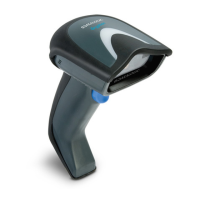
Operating Modes
Quick Reference Guide 23
Stand Mode:
In Stand Mode, the illumination remains on for
a configurable amount of time after a good read occurs. The
scanner exits stand mode when movement is detected. If the
trigger is activated from stand mode, the scanner transitions
into one of the triggered modes.
ENTER/EXIT PROGRAMMING MODE
Scan Mode = Trigger Single
Scan Mode = Trigger Pulse Multiple
Scan Mode = Trigger Hold Multiple
Scan Mode = Flashing
Scan Mode = Always On
Scan Mode = Stand Mode



 To Next Page
 Loading...