System Connections
QUICK REFERENCE GUIDE
15
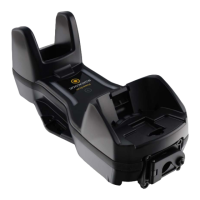
Connecting BC9680 cables
Connect the Ethernet cable and then connect the power adapter cable.
Finally, power on the cradle and lock the power cable on the strain relief.
To disconnect the cables, first unlock the power cable and then pull it out. To
disconnect the Ethernet cable, use a flat screwdriver to unlock the Ethernet
clip.
CAUTION: Do not place two base stations too close to each other as
shown in the figure below. Keep at least 5cm of distance between
them, in order to avoid possible interferences and malfunction of the
two wireless charging systems.


 To Next Page
 Loading...