System Connections
QUICK REFERENCE GUIDE
19
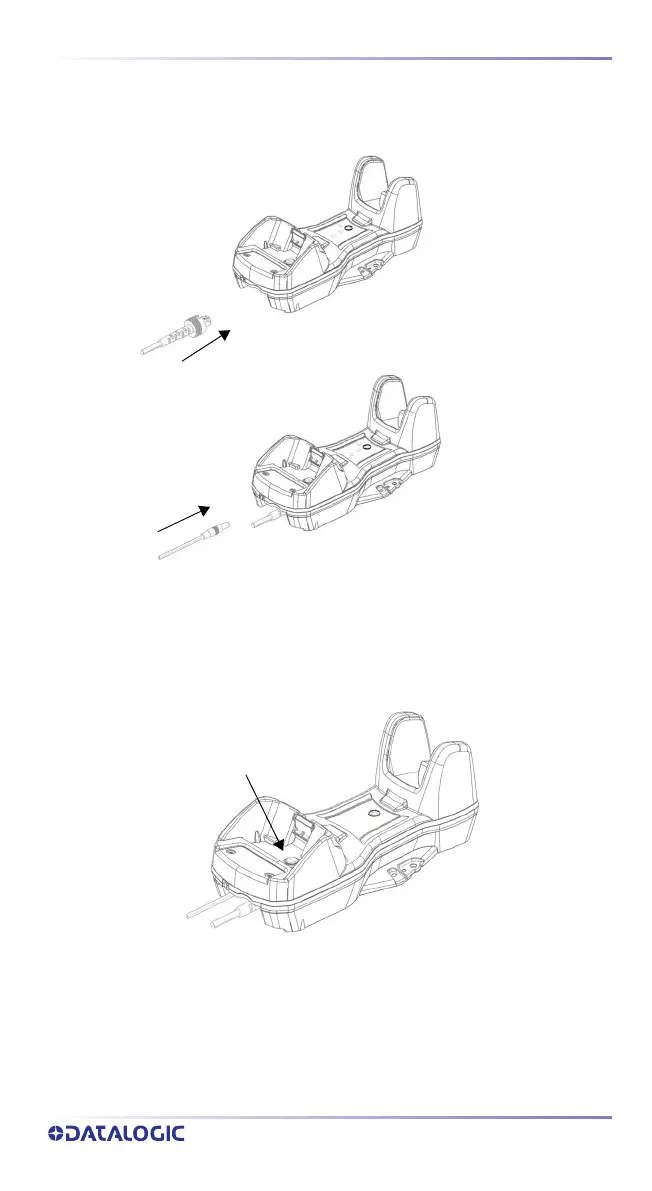
Connecting BC9620 cables
Connect the cable first, then connect the power adapter cable. The cable
should click when fully inserted. Finally, power on the base station.
Disconnecting BC9620 cables
To disconnect the cables, power off the base station, push the button and pull
out the cables.
Push the button



 To Next Page