System Connections
20
BC9600/BC9620 BASE STATIONS
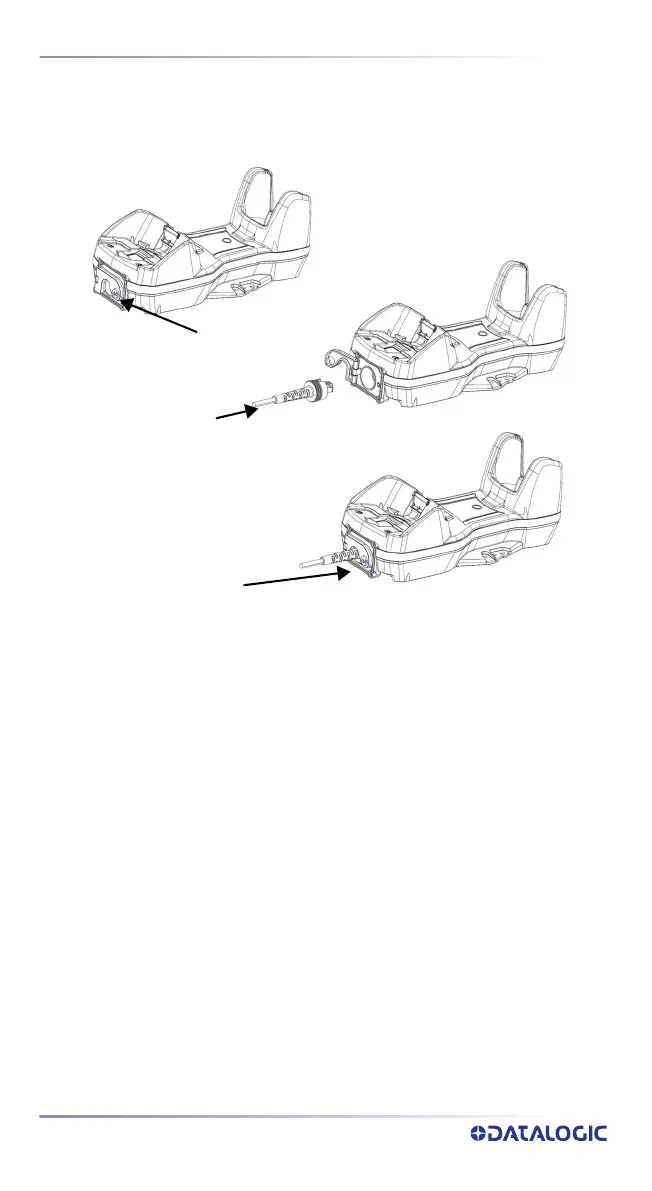
Connecting BC9631 multi-interface cable
Unscrew the no-tool screw to open the front door, connect the multi-inter-
face cable, close the door and screw it back.
To disconnect the multi-interface cable, open the front door, pull out the
cable and screw the front door back.
Unscrew
Insert
Screw



 To Next Page