3.2
Windows
Driver
The Windows driver is loc
ated on the Accessories CD-Rom included with your printer.
Be sure your printer’s firmware version is 10.03_0016B or greater.
Be sure your printer’s USB Mode is set to “Printer”. This mode can be viewed/changed via the
printer’s front panel menu under: Communications> USB Port> USB Device Class.
Installing the Windows Driver:
Pl
ace the Accessories CD-Rom included with
your printer into your computers CD-Rom drive.
Once the CD-Rom starts select "Install Windows
Driver" from the main menu and follow the
instructions on the screen to install.
When prompted, select your printer from the
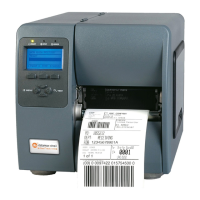
list, (i.e. Datamax-O’Neil I-Class MarkII).
Continue to follow the on-screen instructions to
install the driver.


 To Next Page