Deliverables (Continued).
1. Signed work order.
2. Signed tech installation checklist.
3. Required photos.
4. View battery LED light on top of device is “ON” and green.
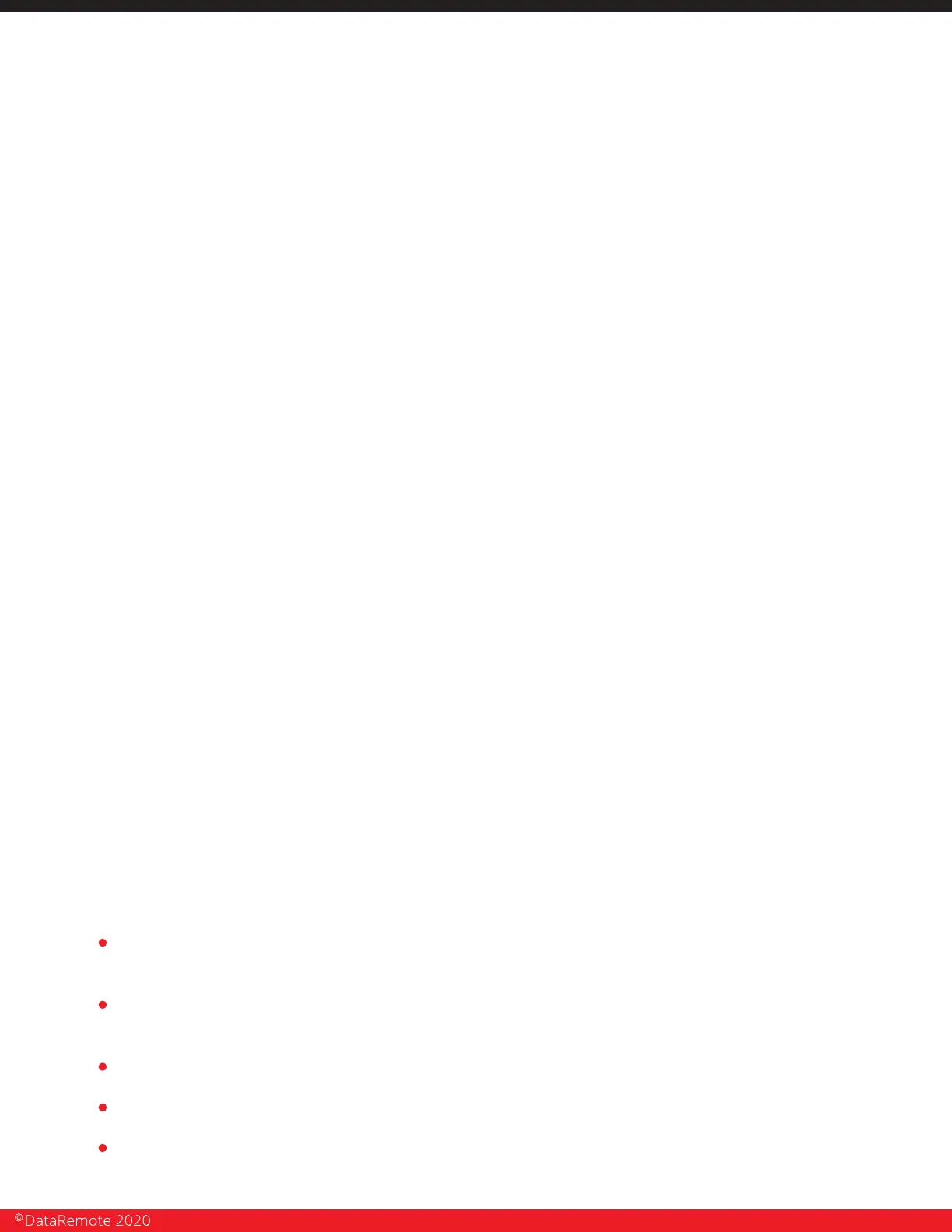
5. View of RSSI LED of the DataRemote CDS-9010 device for signal strength indication.
6. Wide angle view of room where Fire Alarm Panel resides.
7. View of Fire Panel outside cover.
8. View of Fire Panel's status upon arrival – controller display / any fault LED's.
9. Inside door view of Fire Alarm Panel – any labels or block diagrams.
10. View of inside of Fire Panel – motherboard.
11. View of old POTS line's surface mount jacks at Fire Alarm Panel.
12. View of Old POTS line's terminations at telco closet/demarc/SNI.
13. View of cable test results of newly installed SMT boxes (as applicable).
14. View of SMT boxes labeled with new T's & prim/sec suffixes.
15. View of marked phone cords plugged into the DataRemote CDS-9010 device’s 1-2 ports.
16. View of Fire Panel's controller display before cut-over to the DataRemote CDS-9010 device’s
ports.
17. Photo of all cable management.
18. Wide views of entire wall & the DataRemote CDS-9010 device closeup to show completed
installation job.
19. Picture/scan of both pages of tech Checklist.
20. Picture/scan of signed Work Order.
NON-Alarm installation tasks:
For all other device installations follow same steps excluding RJ-31 biscuit connections
and monitoring company communications.
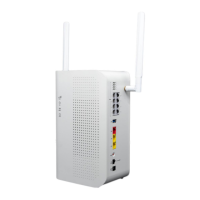
NOTE: The DataRemote CDS-9090 device LED FX lights run left -to-right (1 -2 )
Advanced Programming Information.
For advanced programming information, please go to Support.Dataremote.com. This is
the main support desk site for submitting Tier 3 trouble tickets.
Please set up an account by requesting access to "Advanced Programming Information
Guides" and entering your email contact details.
You will receive an email asking you to login and set up an account.
You will then receive a second email with a link with the login to your support desk.
The support desk contains documentation for Advance Programming of the CDS-9010
device as well as a means to submit and check on support request ticket.
Page 24
Revision No. 004 April 2020


 To Next Page