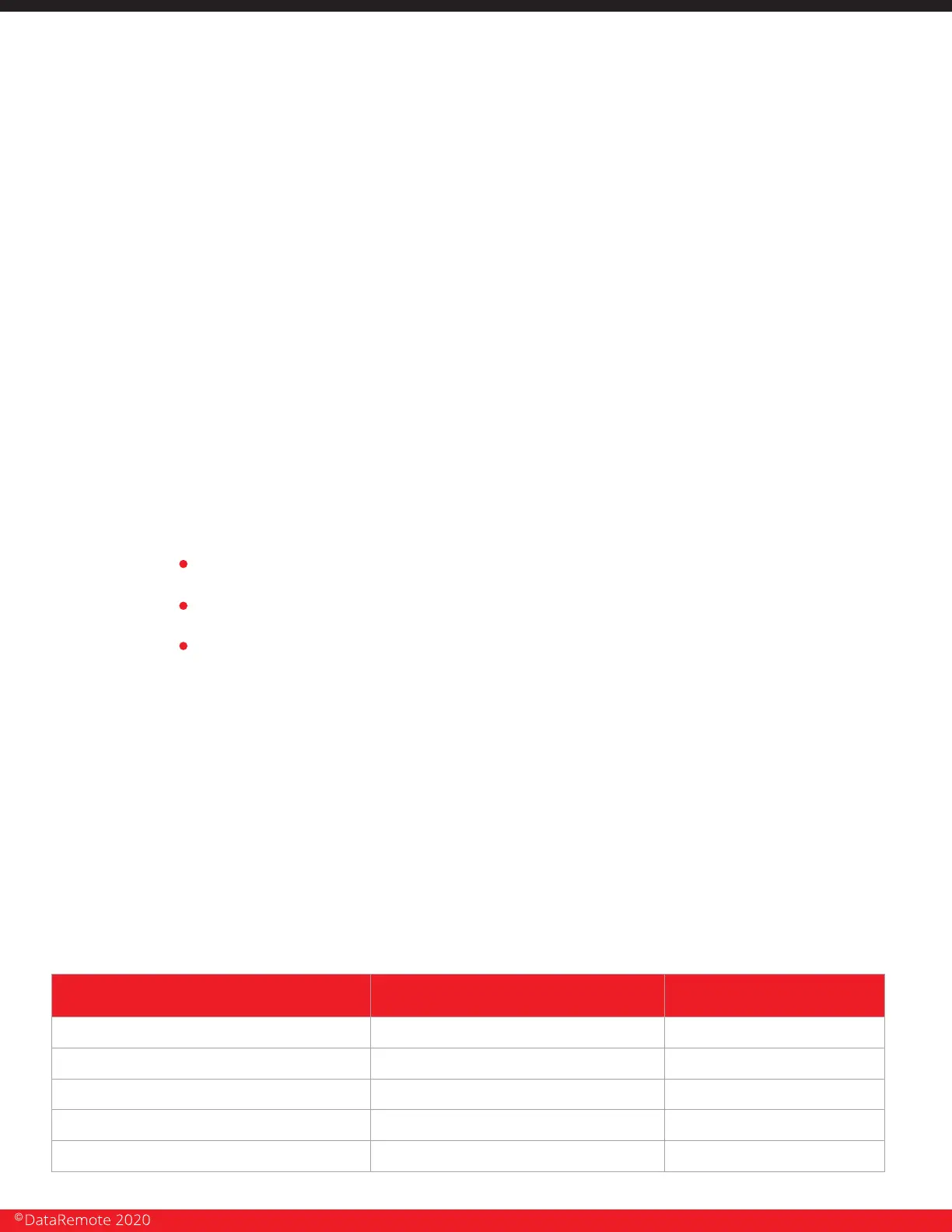
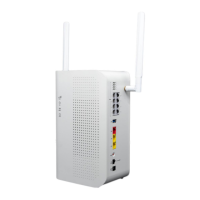
Testing analog data lines.
PHASE 6
Present installation Checklist to MOD to sign.
Call tech check-in/check-out line to be released from the site.
Upload all taken & required pictures to your work order.
1. Connect the respective FXS line that is provisioned for analog data with RJ-11 cable to the
modem device.
2. Initiate an outbound data call to the receiving station / monitoring company. If you do not
have a number please contact your Program Manager or the site MOD.
3. Request the receiving station / monitoring company call the modem device for a
programming call. If you do not have an external station / company number please contact the
site MOD.
4. Repeat test (Steps 1- 3) on both WAN and LTE.
NOTE: if at any point modem is not working please contact Support.
Post-Installation Tasks.
Deliverables.
1. Signed work order.
2. Signed tech installation Checklist.
3. Required photos.
PROJECT CONTACT INFORMATION
USE THE FOLLOWING CONTACT LIST WHILE ON-SITE.
CALL REASON RESPONSIBLE PARTY TELEPHONE NUMBER
Dispatch Check-In
Install Team Check-in
Dispatch Check-Out/Verification
Technical Support & Scope Issues
Install Team Verification
DataRemote Tier 3 Support
800-848-1617 option 2
PM & Customer Relations Issues
55 Seconds
Local Site Contact (LCON)
Client Project Manager
Refer to work order
Manager on Duty (MOD) Refer to WO
Page 23
Revision No. 004 April 2020


 To Next Page