EN Dateq BCS70 Manual BCS78 master (monitor) module 15
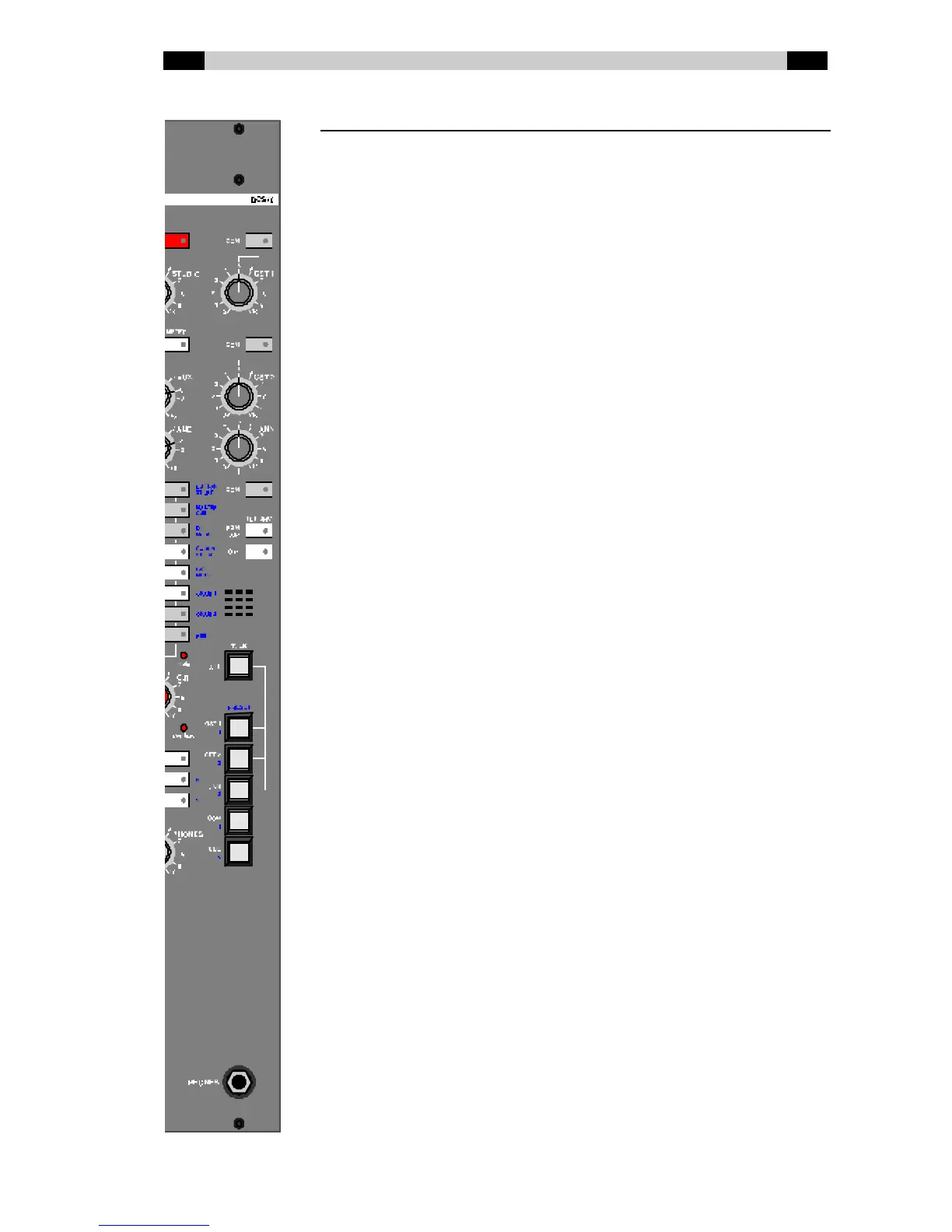
BCS78 master (monitor) module
COM (guest 1) Sw itches the signal from the COM bus to the
headphone output of Guest 1 and the signal
from the input module(s) configured as Guest 1
to the COM bus.
GST 1 Volume control for the Guest 1 headphone
output.
COM (guest 2) Sw itches the signal from the COM bus to the
headphone output of Guest 2 and the signal
from the input module(s) configured as Guest 2
to the COM bus.
GST 2 Volume control for the Guest 2 headphone
output.
ANN Volume control for the Announcer headphone
output.
COM (announcer) Sw itches the signal from the COM bus to the
announcer headphone output and the signal
from the input module(s) configured as
Announcer to the COM bus.
PGM / AIR (tbk src) Selects the PGM or AIR signal as source for the
phones outputs of Guest 1, Guest 2 and
Announcer. The LED under this button lights up
if AIR is selected.
C.R. (tbk src) Selects the signal selected on the Control Room
selector panel as the source for the headphone
outputs of Guest 1, Guest 2 and Announcer.
The LED under this button lights up if CR is
selected, and the selection made w ith PGM / AIR
is canceled.
MIC Built-in microphone for talkback
TALK ALL The DJ / technician can talk to Guest 1, Guest 2
and Announcer at the same time.
TALK GST 1 The DJ / technician can talk to Guest 1 using this
button.
TALK GST 2 The DJ / technician can talk to Guest 2 using this
button.
TALK ANN The DJ / technician can talk to the Announcer
using this button.
TALK COM The DJ / technician can talk to everyone w ho is
routed to the COM bus.
TALK CUE The DJ / technician can talk to all telephone
modules on w hich the CUE function is active
(these modules have the CUE bus as return, see
also QDM²).
PHONES Headphone output for the DJ / technician.



 To Next Page