3.3.6 Firmware update
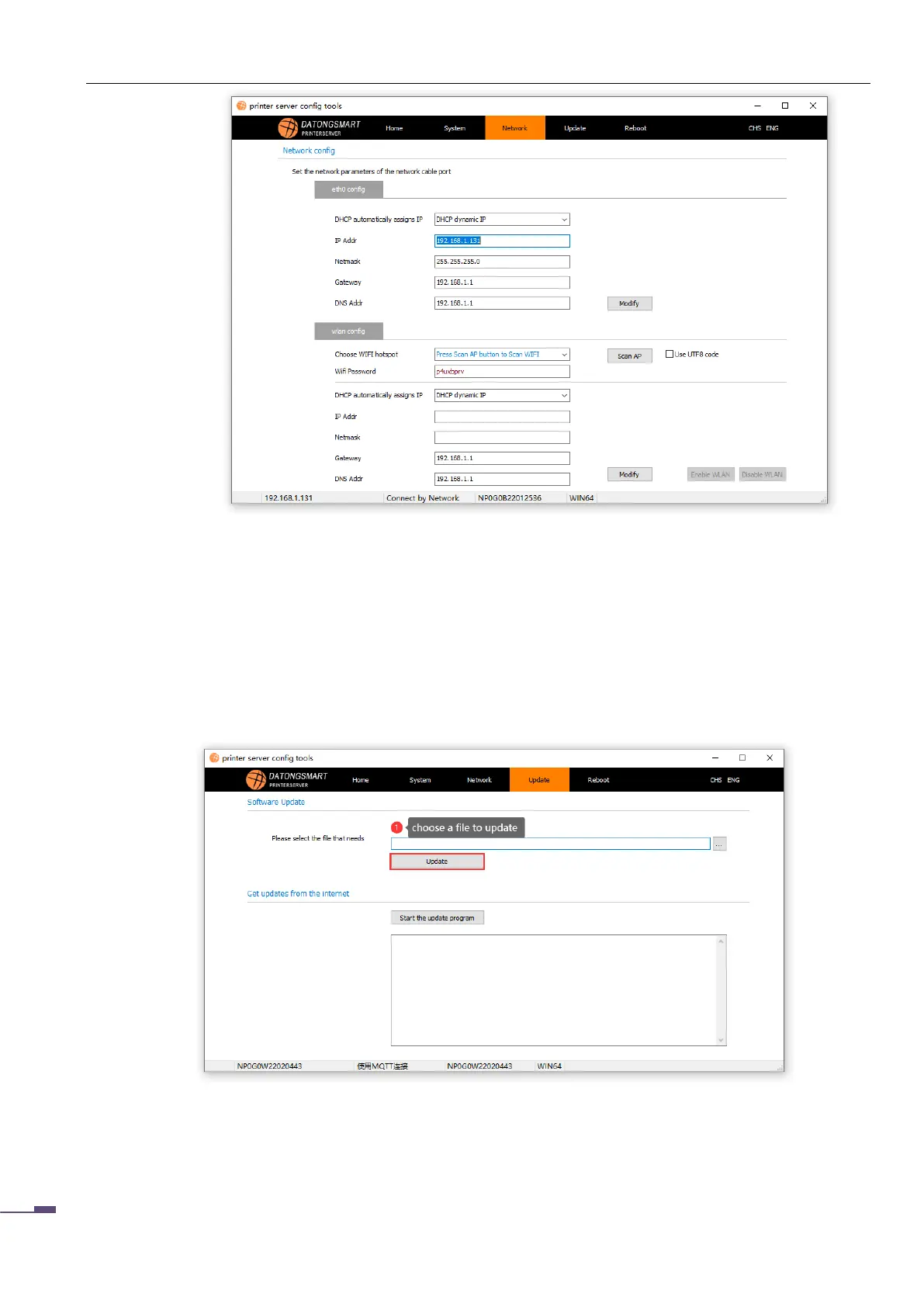
Users can use this function to update the firmware of the print server.
Click "..." to open the firmware file that needs to be updated, click "Update" to complete the
operation, after the update is completed, you need to restart the print server to take effect.
3.3.7 Restart
The user can restart the print server through the software.



 To Next Page