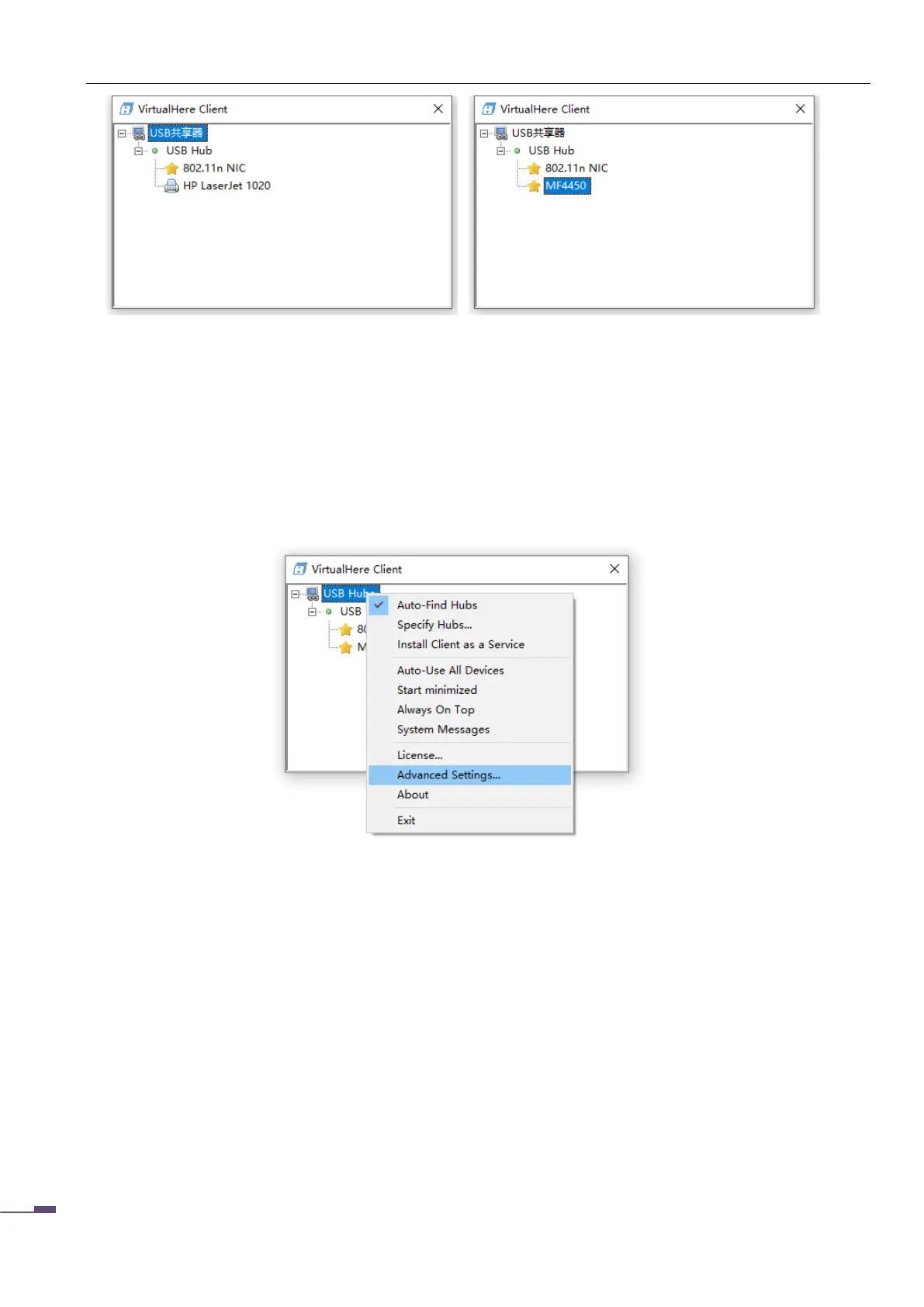
In the picture, you can see the MFP connected to the print server. This article lists the Canon MF4450 as
an example. It can be seen that the MF4450 has appeared in the list.
5.3.1 Set VirtualHere software language
On the top-level directory of the software, right-click, select “ Advanced Settings…. ” to enter the
advanced settings of the software,
5.3.2 Connecting the Scanner
Select MF4450 in the software (depending on the actual situation), right-click the mouse, select
connect this device, the system will automatically virtualize a USB port for the printer, some old models
of computers will automatically install the printer / scanner driver, use It's the same as connecting directly
to a computer via USB . For some newer models of printers, just install the printer / scanner driver
normally.



 To Next Page