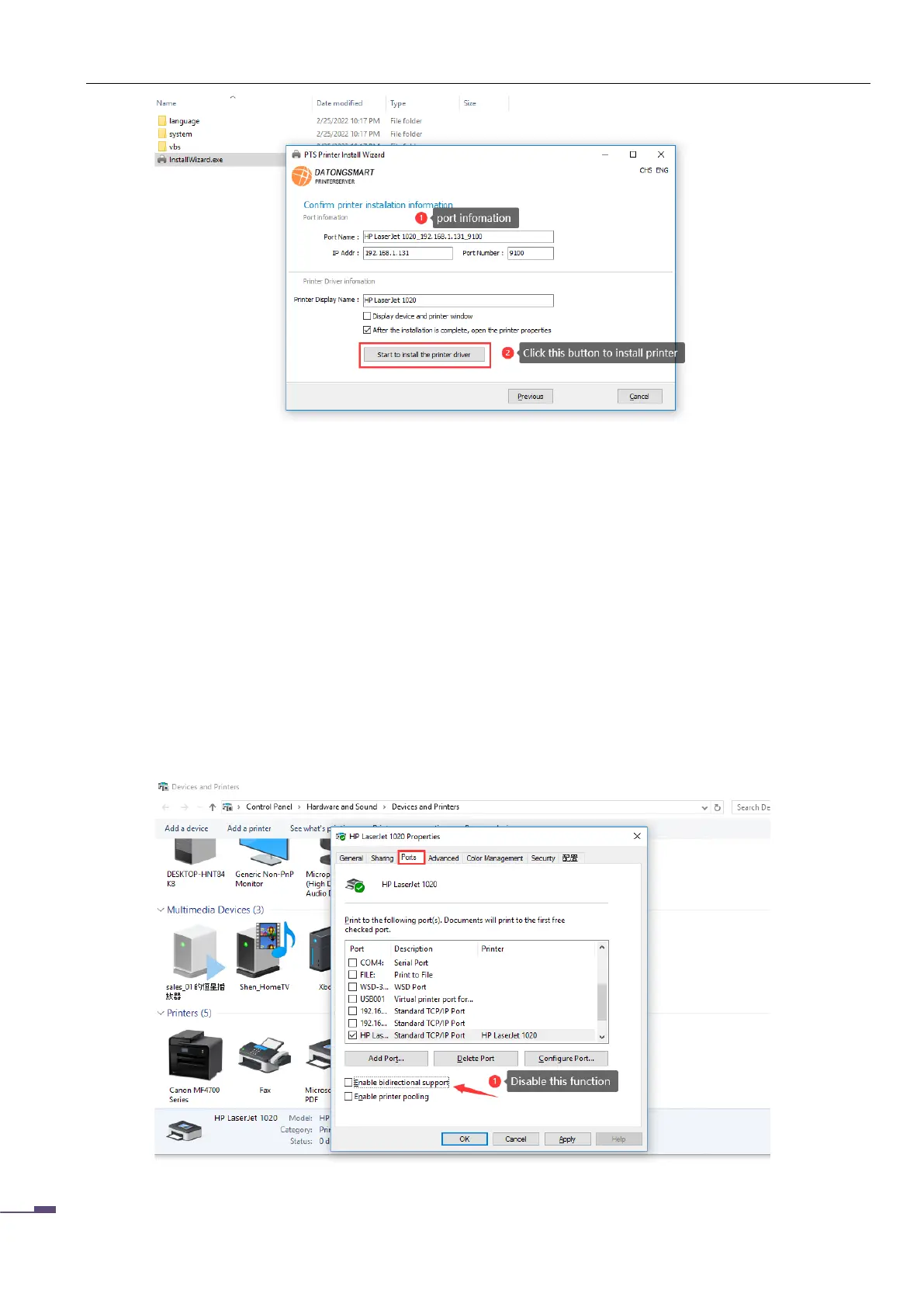
※If the installation fails, please use the method of installing the printer in the previous chapter to
install it.
※ After the installation is completed, you need to modify the printer properties, please refer to the
next chapter. (important)
4.3 Modify printer properties
After the printer is installed, please check whether the following printer parameters are correct, as shown
in the following figure:
※Need to cancel "Enable Bidirectional Support"
※Check whether the current print data type is RAW



 To Next Page