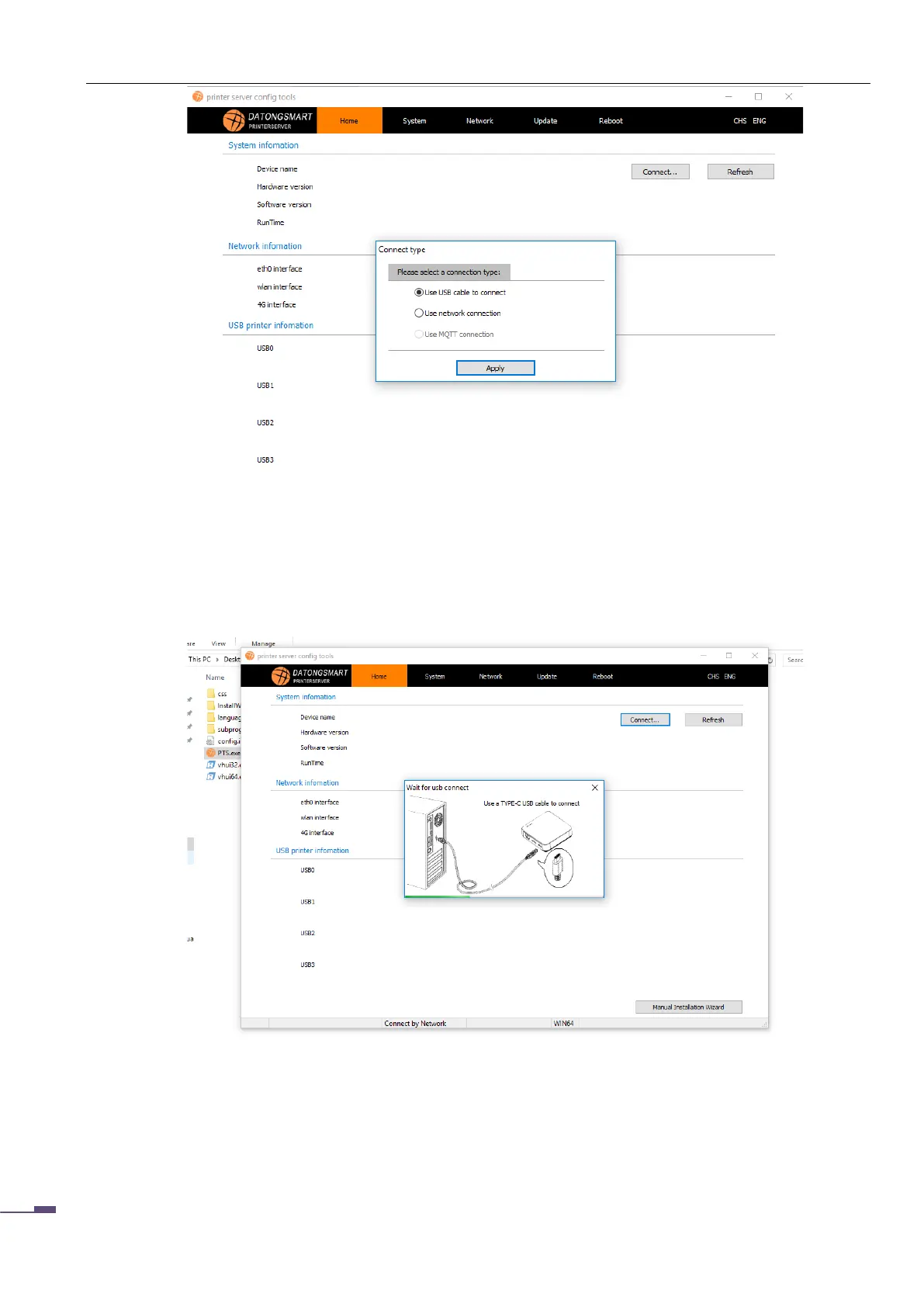
3.3.1 Connect using USB
When the user uses the USB connection, the software will wait for the print server to connect to the
computer. When the USB is recognized by the computer, the word USB will be displayed in the lower left
corner of the software .
3.3.2 Connect using the network
When the user selects the network connection, the software will pop up the monitor window of the
print server, waiting for the print server to go online. When a print server goes online, the list in the
window will list the IP address of the print server in the current network . As shown below



 To Next Page