EasyManua.ls Logo

Datum DTR30G - User Manual

Default Icon
16 pages
Print Icon
To Next Page IconTo Next Page
Loading...
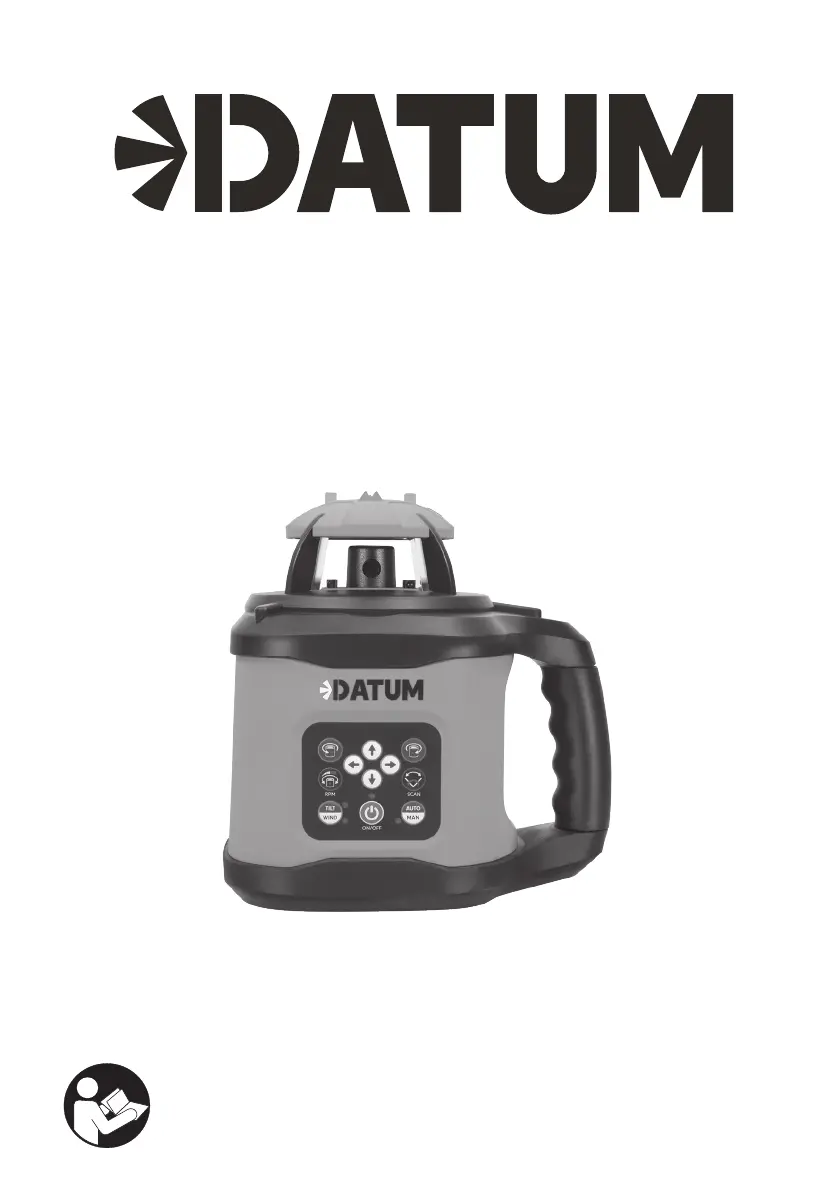
ROTARY LASER
DUAL GRADE
MODEL NO.: DTR30R DTR30G
OPERATING
INSTRUCTIONS
TO PREVENT SERIOUS INJURY, READ
AND UNDERSTAND ALL WARNINGS
AND INSTRUCTIONS BEFORE USE.

Questions and Answers

  • D
    Dominic BerryAug 9, 2025
    Why Datum DTR30G does not turn on?
    • K
      Kayla JonesAug 10, 2025
      Your Datum Laser Level might not be turning on because the batteries are low, depleted, or not installed correctly. Ensure the batteries are in good working condition; if unsure, replace them with new ones, making sure to install them with the correct polarity. Also, if the laser has been stored in a hot environment, allow it to cool down before use.
  • B
    Brandon BrownAug 17, 2025
    What to do if my Datum DTR30G Laser Level is not leveling?
    • D
      David Chambers DVMAug 17, 2025
      If your Datum Laser Level isn't leveling, it could be due to several reasons. First, the instrument might be outside its leveling range, so adjust its position, tripod, or base surface. Ensure the instrument is within its self-leveling range. Also, check if the instrument is in Manual Mode, as it needs to be in Automatic Mode to self-level.
  • A
    Ashley ReynoldsAug 25, 2025
    Why is the laser detector on my Datum DTR30G not working properly?
    • B
      brooksmelanieAug 25, 2025
      If the laser detector isn't working correctly, it might be due to low battery. Replace the batteries, ensuring they are installed with the correct polarity. Another reason could be that the detector is out of usable range; try moving the detector closer to the instrument.
  • M
    margaretmillerAug 31, 2025
    Why Datum Laser Level beam distance is reduced?
    • C
      Christopher FosterAug 31, 2025
      If the laser beam distance is reduced, try cleaning the laser output window.

Summary

Specifications and Hazard Definitions

Specifications

Details technical specifications for the DATUM Dual Grade Rotary Laser models.

Hazard Signal Word Definitions

Defines hazard symbols and their meanings for safety.

General Safety Rules for Operation

Laser Instrument Controls

Detector Controls and Indicators

Pre-Operation Setup Procedures

Laser Instrument Operation

Manual Mode and Special Features

Using Manual Grade Slope

Explains how to set manual grades/slopes on X and Y axes.

Laser Detector Operation

Calibration and Maintenance

Calibration Check Procedure

Instructions on how to check the instrument's calibration accuracy.

Troubleshooting and Product Labels

Troubleshooting Guide

Lists common issues and their possible causes and solutions.

Warranty Information and Service

Datum DTR30G Specifications

General IconGeneral
Laser ClassClass 2
Levelling Range±4°
Levelling Time≤3s
IP RatingIP54
Power Supply4 x AA batteries
Working Range30m
Laser Diode635 nm, <1 mW
Operating Time15h

Related product manuals