2
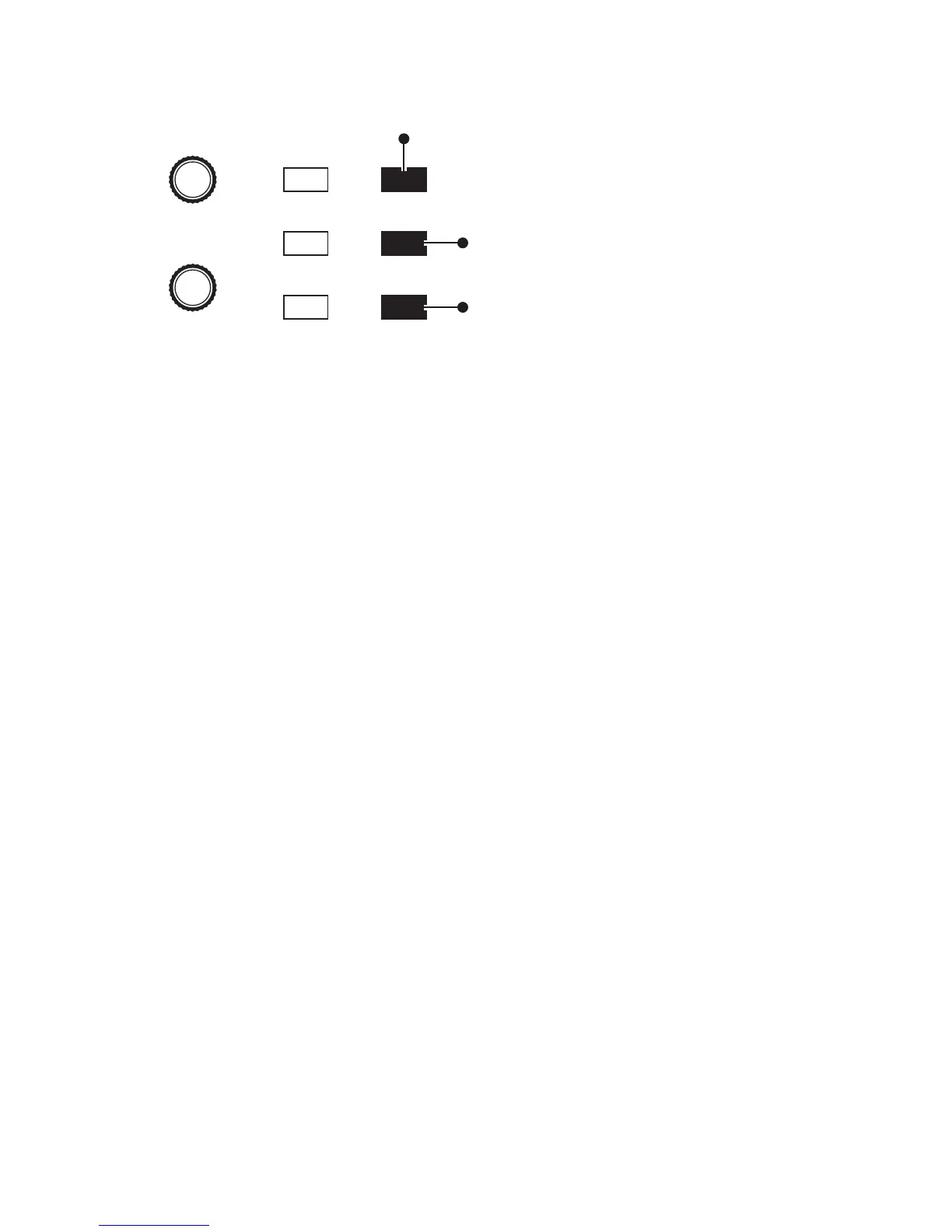
PROGRAM
BANK
Edit Layer B
Stack A+B
Split A | B
Compare
Write
Global
Button is lit when
split is active
Button is lit when
stack is active
Press to enable
Layer B editing
Split and Stack button
To change the sound on Layer A:
1. Press the misc params button. Turn the parameter knob to scroll to the menu
item named “layer a: (bank and program numbers).” This is the “Audition
Layer” parameter.
2. Use the bank and program knobs to scroll through any of the various
presets in the synthesizer.
To change the sound on Layer B:
1. With misc params enabled and the “Audition Layer” parameter selected,
pres the edit layer b button. Layer B editing is enabled.
2. Use the bank and program knobs to scroll through any of the various
presets in the synthesizer.
3. To turn off Layer B editing and return to Layer A editing, press the edit
layer b button again.



 To Next Page