55
Prophet Rev2 User’s Guide
Pan Spread
Pan Spread
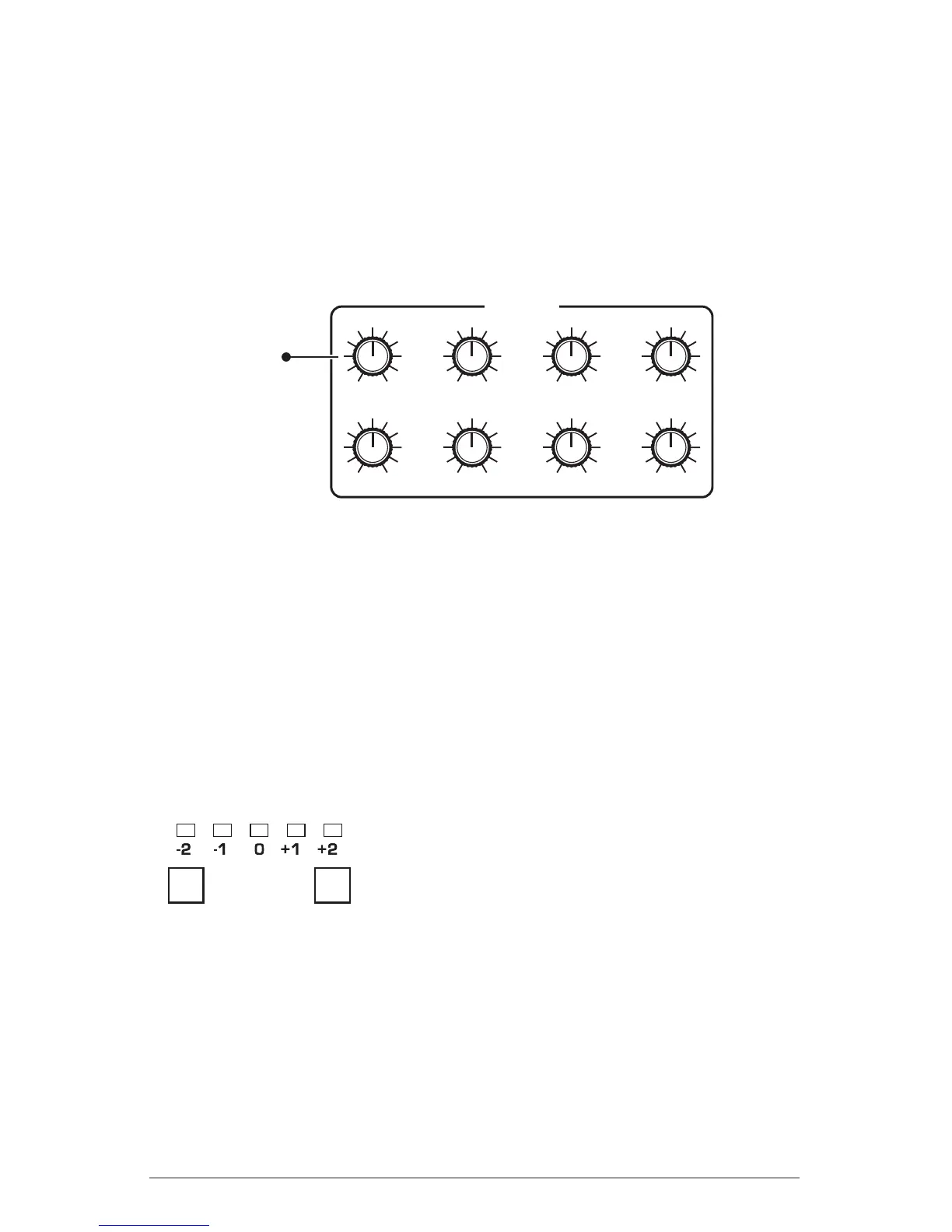
Pan Spread, in the Amplier section, pans audio in the stereo eld indi-
vidually per voice. Set to 0, all voices are panned to the center. As you
turn the
pan spread knob clockwise, each voice is gradually moved away
from the center by greater amounts. Every other voice goes in a different
direction, left or right. This creates a broader stereo eld while playing.
AMPLIFIER
PAN SPREAD
ATTACK
ENV AMOUNT
DECAY
VELOCITY
SUSTAIN
DELAY
RELEASE
Pans individual voices
in the stereo field
Pan Spread
Transpose
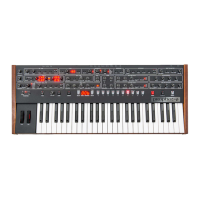
The up and down buttons in the transpose section transpose the keyboard
up or down in octaves. The LED indicates the current keyboard trans-
position state. Transposing the keyboard also changes the MIDI note
numbers of the keys so that MIDI notes sent are also transposed. Trans-
pose settings are global and are not saved with individual programs.
TRANSPOSE
Down
Up
The Transpose controls


 To Next Page