6
Setup Mode
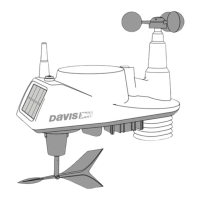
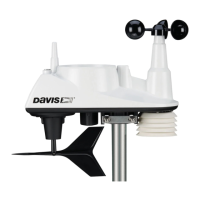
• WIND CUP (Change only if you are using a Vantage Pro2 ISS or an
anemometer transmitter kit) — Press + or - to change wind cup option:
SMALL, LARGE, or OTHER.
• RAIN COLLECTOR — Used at factory for calibration.
• RAIN SEASON BEGINS — Press + or - to change the month.
• COOLING/HEATING DEGREE DAY BASE — Press < or > to move
between segments. Press + or - to change the value of the flashing
segment. To clear, press 2ND and CLEAR. (Default is “dashed.”)
• COMMENTARY — Press + or - to toggle between the OFF and ON
setting.
• KEY BEEP — Press + or - to toggle between the OFF and ON setting.
Press < or > to change the volume/tone of sound.
• BAUD RATE (Optional, displays with WeatherLink Data logger) —
Press + or - to set the available baud rate values. (Default of 19200 is
fine for most applications.)
To Exit Setup Mode:
Press and hold DONE.


 To Next Page
 Loading...