2
The package contains the following:
• Vantage Connect in weather-proof shelter with 5-watt solar panel
• WeatherLink software CD
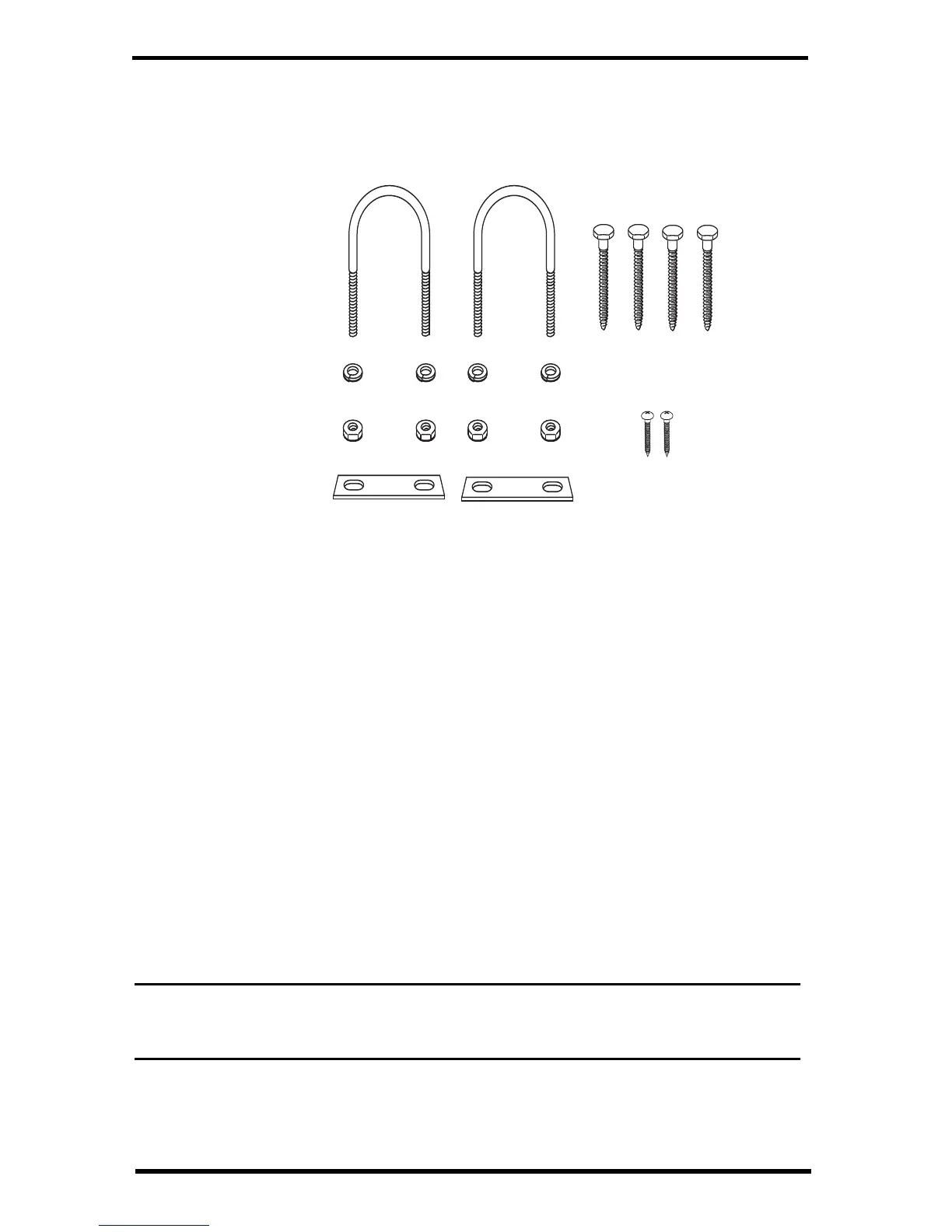
• Hardware kit (as shown below)
Requirements
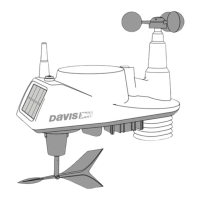
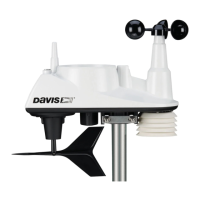
• A Davis Vantage Pro2 or Vantage Vue integrated sensor suite (ISS) or other
Vantage-Pro2 transmitting station (all sold separately)
• CDMA, GSM/2G, 3G cellular network coverage in the area
• Vantage Connect service plan (sold separately)
Register & Configure Your Vantage Connect
Purchase a Vantage Connect Service Plan.
Vantage Connect requires an annual service plan. Choose #6632, 6634, or 6636 in
the version appropriate for your region (A or B). Each plan offers a different
update interval (5, 15, or 60 minutes). For more information see your Davis
reseller or purchase a plan during your registration process on WeatherLink.com.
After purchase, you will receive an e-mail with an Activation Code that you will
use to register online.
Register Online
Note: Register your Vantage Connect online and wait 5 to 10 minutes BEFORE you power
it up to avoid a delay in uploading data. If you already powered up before
registering, remove power from the Vantage Connect, register, then repower.
1. When you receive the e-mail with the Activation Code, follow the instructions
in the e-mail. (Or, go to www.weatherlink.com; click on Register. Select the
Vantage Connect option.)
1/4" Lock Washers
1/4" Hex Nuts
U-Bolts
Backing Plates
1/4" x 1 1/4" Lag Screws
#6 x 3/8 Screws
(not needed)


 To Next Page