43
BR808G
BR808G
44
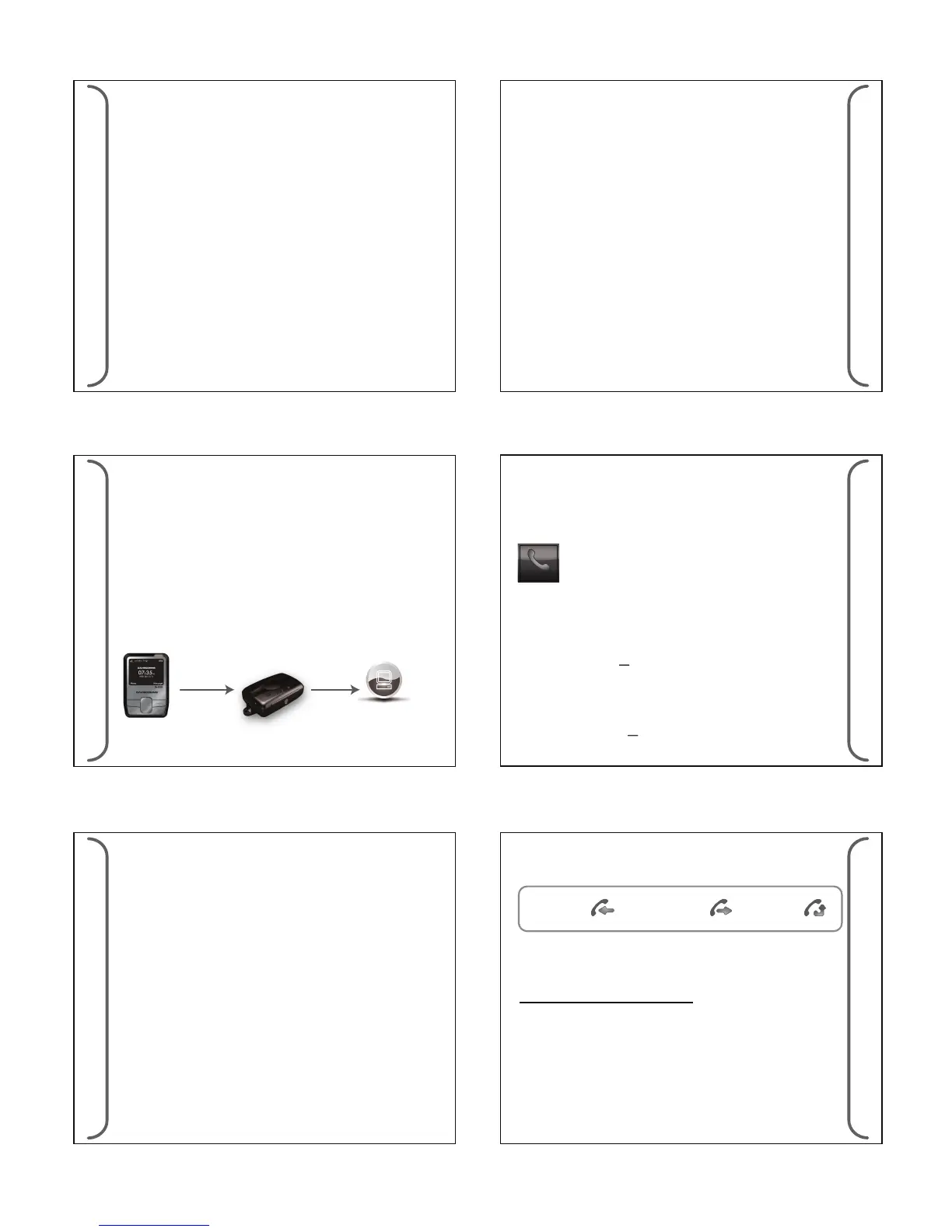
(d) Check SMS Acknowledgement sent by BR808G
The components used for this feature are as follows;
Hardware: GSM Modem (EaziTRAC 1000)
Software: "Message Acknowledgement Console"
This software package is available at
"DAVISCOMMS".
Application
• Connect GSM Modem to PC via USB.
• Launch the software and it will be autoconnected to the modem.
• All the SMS acknowledgement from the device will be displayed
on PC screen.
Message
Acknowledgement
USB
BR808G
Message
Acknowledgement
Console Software
Package
EaziTrac 1000
(with USB option)
(e) Message Setting
- Select message setting for <DELETE ALL SMS MESSAGE>,
<DELETE ALL PAGE MESSAGE>, & <DELETE ALL NEWS
MESSAGES>
41
BR808G
BR808G
42
2. GSM ON/OFF Alert
The device can be congured to get the alert message for GSM
registered and GSM OFF mode.
3. Pager OOR Alert
The device can be congured to get the alert message when the
pager is Out Of Range or In Range.
4. Power ON/OFF Alert
The device can be congured to get the alert message when the
device is Power ON or OFF.
If GSM is in OFF mode, the auto-acknowledgement will not be
sent out. Instead it will be stored in Memory, pending for the
GSM to come back on. Up to 10 auto-ack messages can be put in
pending and if new auto-ack message comes in, the oldest
pending message will be pushed out. Pending messages are
stored in RAM and will not survive a power reset.
45
BR808G
BR808G
46
(c) Miss Call
When a call is unanswered, a missed call will log into the call log. A
miss call icon will appear on the main screen, a slow amber LED
ash and an audio alert will sound periodically.
(d) Contacts
Up to 30 predened numbers can be stored in the device.
Outgoing Call / SMS reply
- Select <OPTION> in the Phone screen to choose <CALL> or
<SMS reply>.
Note: The user can call out from the predened numbers and reply
SMS from the canned messages list.
The reply SMS is in the form:
Contact/Call Log [<Device ID>:Call Reply]
<canned reply message>
9.3 Phone
(a) Incoming Call
The device can be congured to accept any incoming calls or only
predened numbers. Up to 30 predened numbers can be stored.
The device can also be congured not to accept any incoming calls
via the Congurator
- Press Left soft key to <ACCEPT> the call.
(b) Terminating a Call
A call can be terminated via the End option RSK key. The call will
also be terminated if panic alert is activated.
- Press Right soft key to <END> the call.
(e) Call Log
The call log types are:
The last 20 call transactions will be stored in the device. When a
new call come in, the oldest entry will be removed if it exceeds 20
entries.
Outgoing call Miss callIncoming call
Outgoing Call / SMS reply / Delete
- Select <OPTION> in the Phone screen to choose <CALL> ,
< SMS reply > or <Delete Call Log>.
Note: The user can call back , SMS reply from the canned messages
list, or delete the log entry.
(g) Delete All Call Log
- Conrm Delete ALL call log ? And select <Yes> or <No>.
• Message received - an auto-acknowledgement will be sent on
receipt of the message.
• Message read - an auto-acknowledgement will be sent when the
message is read by the user.
The Message received acknowledgement is in the form:
Page [<Device ID>:Page Recv]
<1st 50 characters of original page message>
SMS [<Device ID>:SMS Recv]
<1st 50 characters of original SMS message>
The Message read acknowledgement is in the form:
Page [<Device ID>:Page Read]
<1st 50 characters of original page message>
SMS [<Device ID>:SMS Read]
<1st 50 characters of original SMS message>



 To Next Page
 Loading...