support@dbpower.co
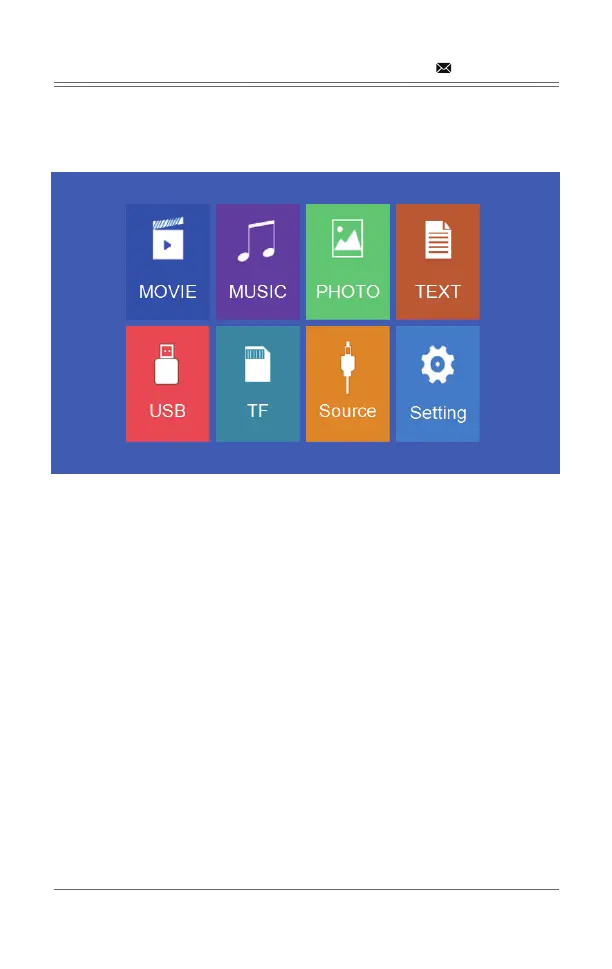
4.3 Multimedia boot screen
4.4 Focus & keystone correction
- 08 -
Aſter 2-5 seconds, the multimedia screen will be displayed.
4.4.1 If the image is displayed as a trapezoid shape, you can adjust
it with the keystone correction function by pressing button 3.
This should normalize the display image.


 To Next Page