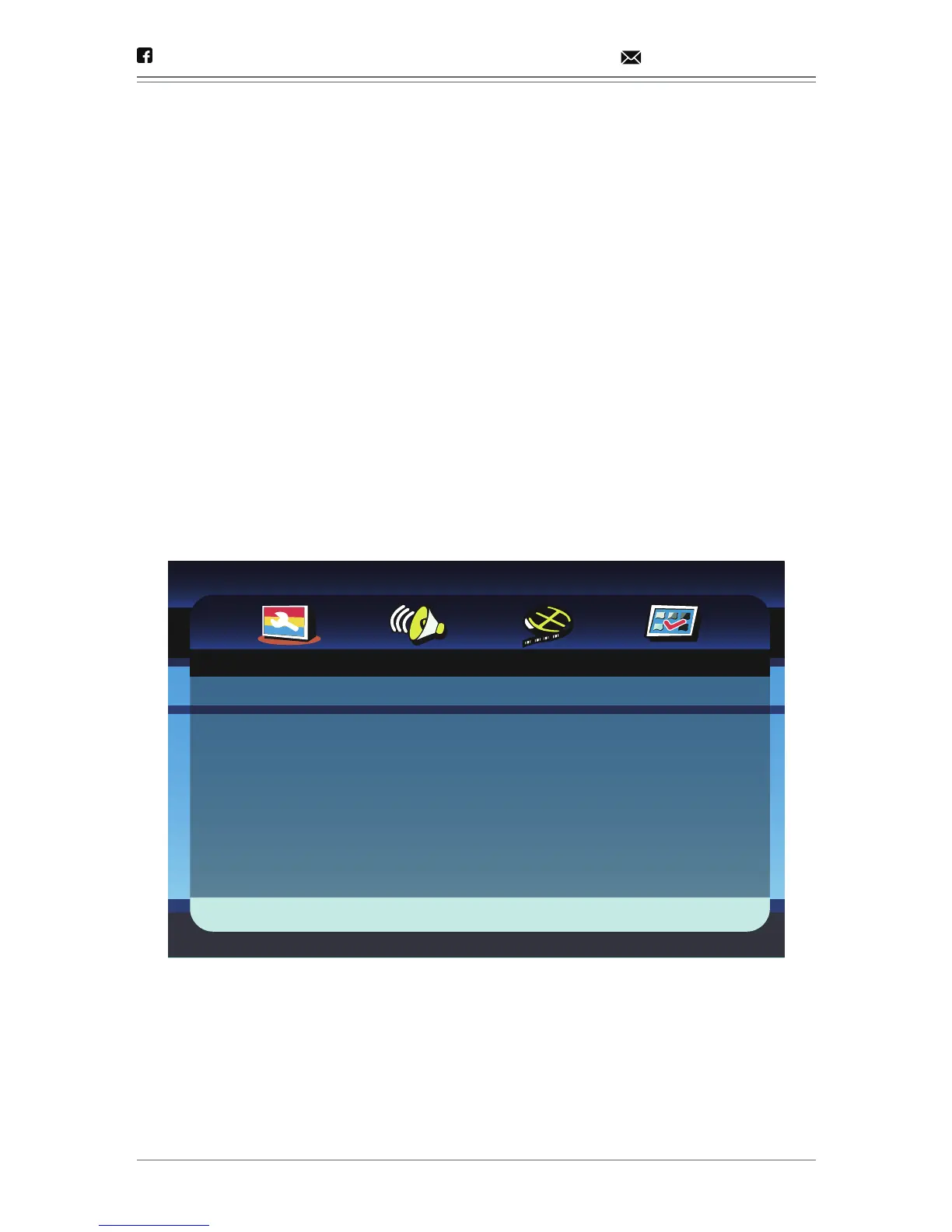
Menu Operation
1. Press [SETUP] on the remote control or on the unit to show the
setup menu.
2. Press [LEFT]/[RIGHT] to select an item. The submenu of the selected
item will be instantly shown.
3. Press [UP]/[DOWN] to select an item in the submenu, then press
[OK]/[ENTER]/[RIGHT] to enter. Use [UP]/[DOWN] to select an
option, then press [OK]/[ENTER] to confirm or press [LEFT] to
cancel.
4. Press [UP]/[DOWN] to continue to set other items in the submenu.
5. Press [LEFT] to go back to the superior menu of the current one.
6. Press [SETUP] again and press [ENTER]/[OK] to exit the setup menu.
- 15 -
@dbpower.co support@dbpower.co
- - General Setup Page - -
Go To General Setup Page
TV Display
Angle Mark
OSD Lang
Captions
Svreen Saver
Last Memory
16:9
On
ENG
Off
On
On


 To Next Page