1.4 CAPTIONS
Set this item to ON to show closed captions on a disc that has been
encoded with closed captions. Set this item to OFF to hide.
You can also press [SUBTITLE] on the remote control to show or
hide the closed captions.
NOTE: This function only works if the disc is encoded with closed
captions.
1.5 SCREEN SAVER
IWhen this is ON a screen saver will appear on the screen if the
image has remained motionless for several minutes, for example the
disc is paused or stopped. Press any key or button to wake it up.
To disable the screen saver function, set this to OFF.
1.6 LAST MEMORY
When this is turned ON, the unit will memorize the point at which the
disc was stopped. Next time you turn on the unit and play the same
disc, it will play from that point.
Turn it OFF to disable last memory function.
- 17 -
@dbpower.co support@dbpower.co
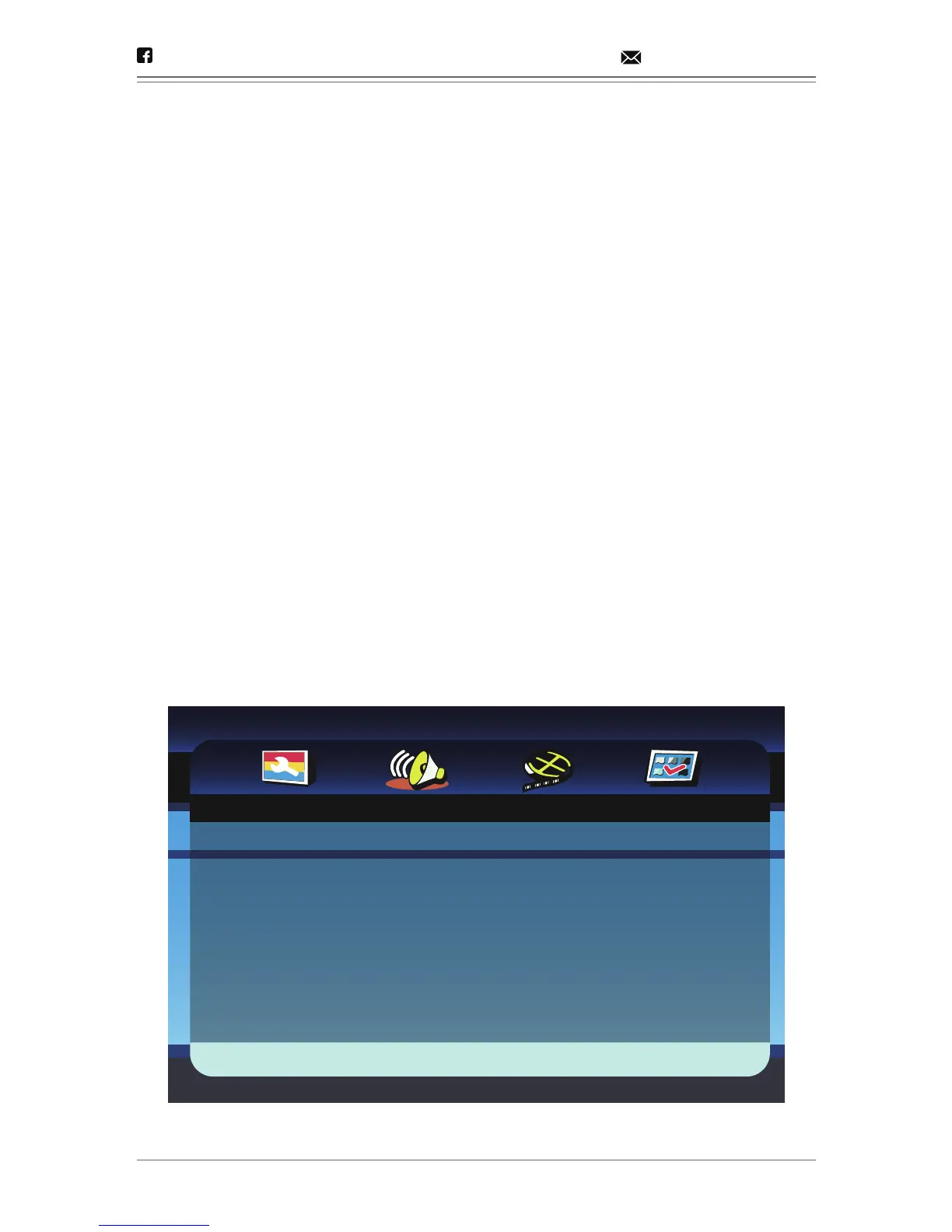
- - Audio Setup Page - -
Go To Audio Setup Page
Speaker Setup


 To Next Page