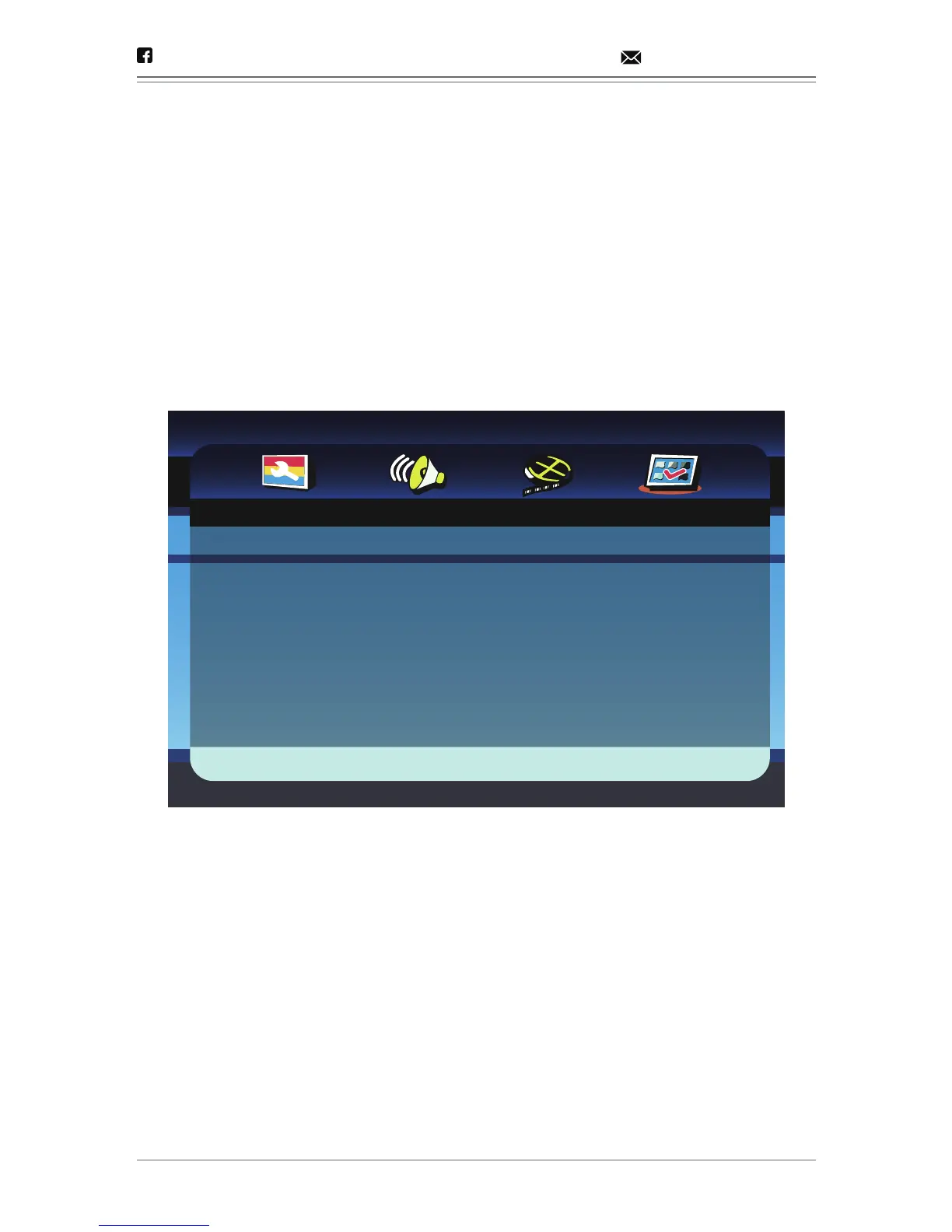
3. VIDEO SETUP PAGE
This menu is used to set up the picture quality of the unit.
3.1 SHARPNESS
There are three options (High/Medium/Low).
3.2 BRIGHTNESS, CONTRAST, HUE, SATURATION
Use direction keys (LEFT)/(RIGHT) to adjust the respective value,
then press OK to confirm.
- 19 -
@dbpower.co support@dbpower.co
- - Preference Page - -
Go To Preference Page
TV Type
Audio
Subtitle
Disc Menu
Default
NTSC
ENG
ENG
ENG


 To Next Page