10
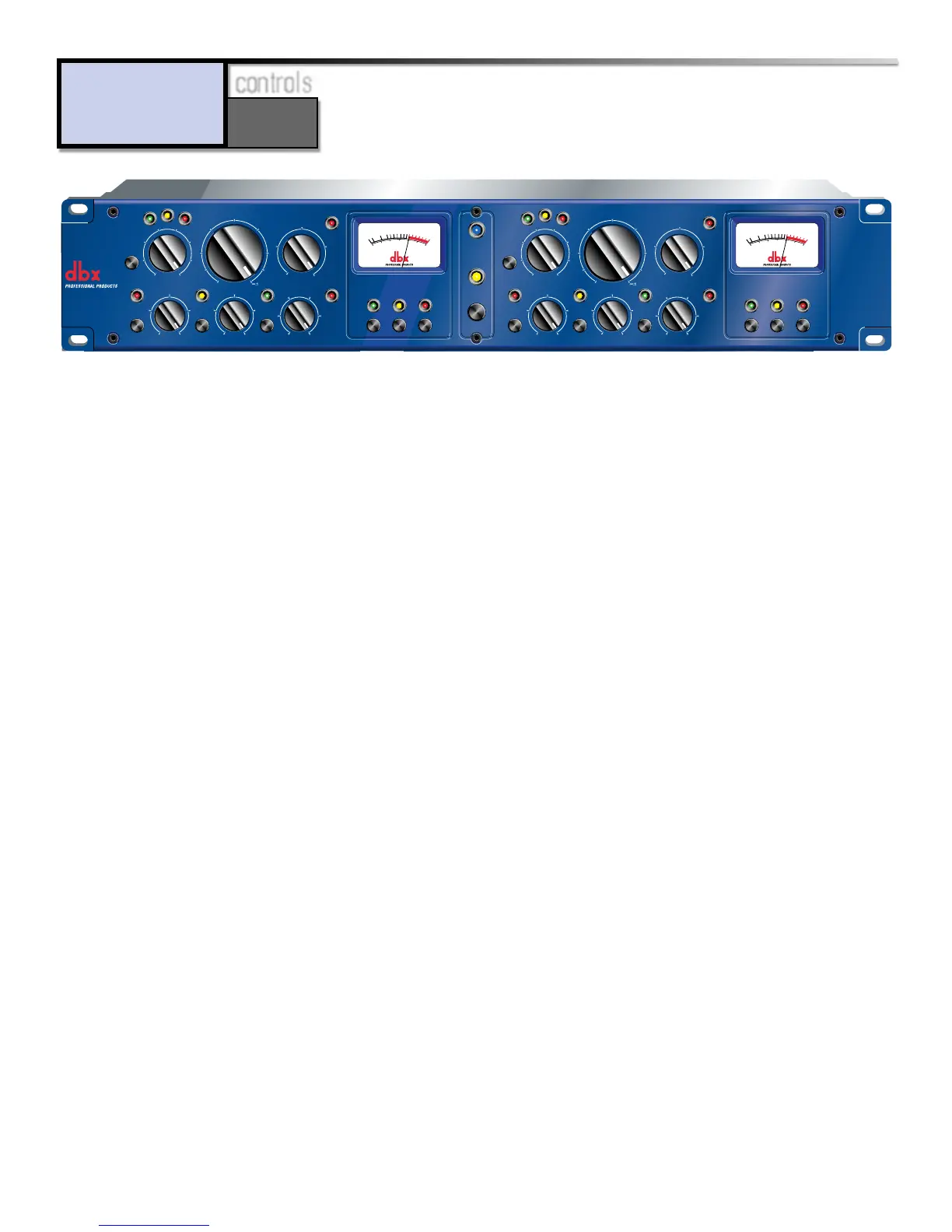
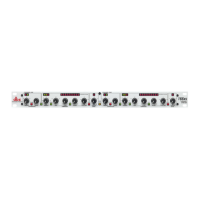
OverEasy® Switch: This switch activates/deactivates the OverEasy® characteristics of the 160S. When
the switch is IN, the 160S is in O
VER
E
ASY
mode. OverEasy is a process which allows the user to com-
press a signal more gently than a hard knee compressor through the threshold region. This action
produces a much smoother “natural-sounding” compression effect. When the OverEasy switch is
OUT, the regular, hard knee action of the compressor is active. Hard knee operation can produce a
much harder (hence the nick-name “hard knee”) compression effect as the signal passes over the
threshold level. Note that when the OverEasy switch is IN, the yellow LED above the Threshold
control lights whenver the input signal level is in the OverEasy region of compression. In
HARD KNEE
mode the signal is either below the threshold and not being compressed, or it is above the thresh-
old and is being compressed, and therefore the yellow LED does not light. See the section entitled
Operating Notes later in this manual for a more in-depth discussion of the differences between
OverEasy and hard knee compression.
Threshold Control: This control adjusts the signal amplitude (volume, or level) above which com-
pression occurs. In O
VER
E
ASY
mode the threshold of compression is defined as the approximate mid-
dle of the OverEasy region. The markings around the Threshold control are measured in dBu
(where 0dBu = .775V) and range from -40dBu (7.8mV rms) on the low end, to +30dBu (24.5V rms)
at the high end of the scale.
Threshold LEDs: These LEDs (above the Threshold control) indicate the relationship between the
input signal and the threshold set by the Threshold control. The green LED lights when the input
signal is below the set threshold. The yellow LED lights when the 160S is set in O
VER
E
ASY
mode via
the OverEasy switch, and the input signal level is in the OverEasy threshold range. The red LED
lights when the input signal level is above the set threshold. (See the section entitled Operating
Notes for a discussion on the differences between OverEasy® and hard knee compression.)
Compression Control: This control adjusts the amount of compression that is applied to the input sig-
nal level when it exceeds the set threshold level. The amount of compression is expressed in a ratio
formula, where the first number of the ratio indicates the amount of input signal level in dB, and
the second number indicates the amount of output signal level, in dB, when the threshold is exceed-
ed. For example, in
HARD KNEE
mode, the compression ratio of 5:1 means that for every 5dB of sig-
nal level that exceeds the set threshold level, the resultant output signal level is 1dB. Therefore if
the threshold level is exceeded by 15dB, and the compression ratio is set to a 5:1 ratio, the output
signal level will be 3dB. In O
VER
E
ASY
mode, the ratio set by the Compression control is not reached
until the signal has pased through the OverEasy region of compression (the yellow LED turns off
and the red LED lights). When the ratio of ∞:1 is selected, the input signal level is “limited” to a 0dB
Front Panel Controls



 To Next Page