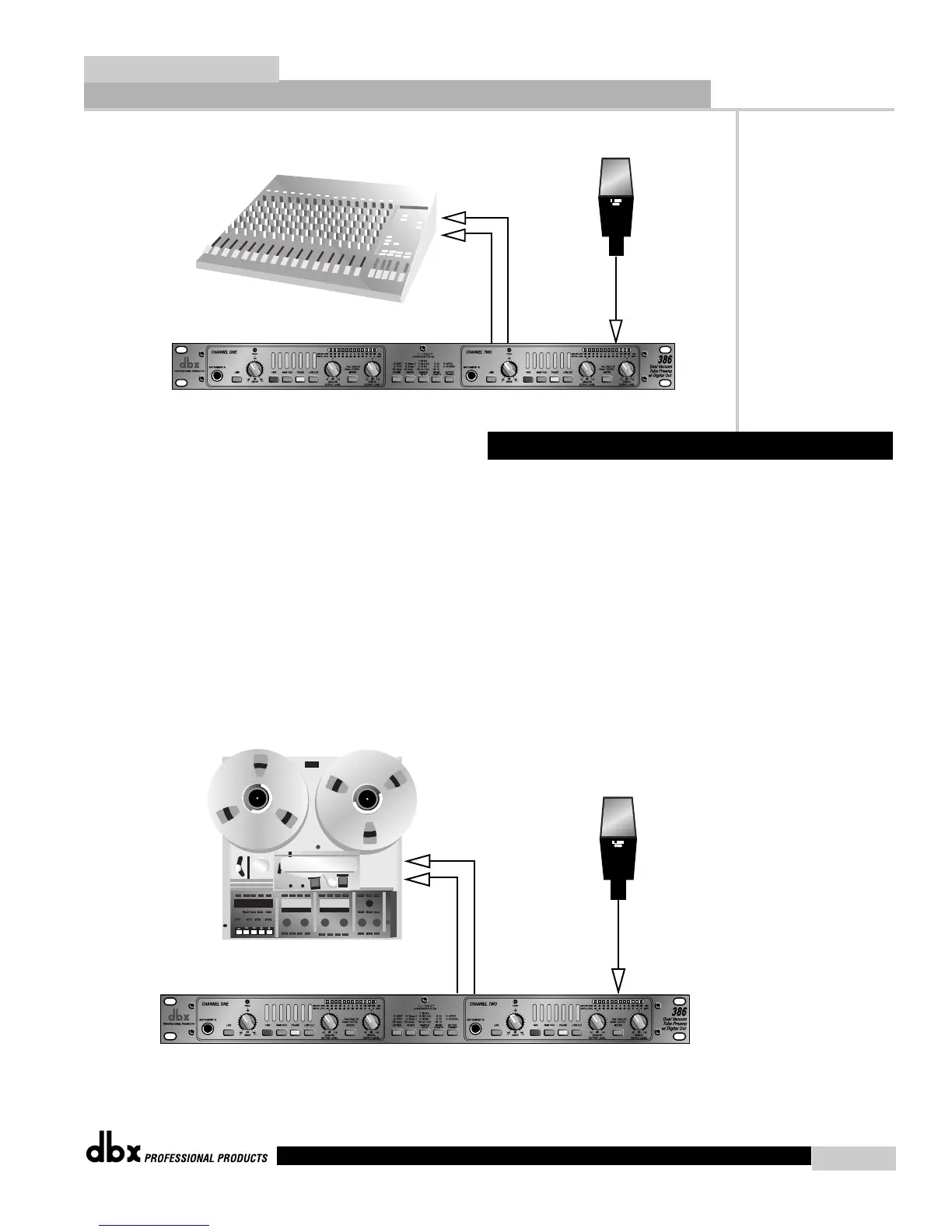
1). Make microphone connections, being careful to keep the DRIVE control in the
minimum (+30 dB) position.
2). Connect the 386’s Line outputs directly to the audio inputs of your recorder.
3). Enable the record function of the specific track of the recorder and open the specific tape
track return in the console which corresponds to the track to which the 386 is connected. As
you increase the setting of the DRIVE control, you should begin to hear the input of the 386
running through the recorder and returning to your console as a tape return.
2.3 Direct Connection to a Recorder
Analog Applications
Section 2
386
386 User Manual
7


 To Next Page