DriveRack
®
21
DriveRack® User Manual
Section 3
Navigation Modes
Once you have selected a program with a configuration that accommodates your application,
the DriveRack offers instant access to edit effect types within the configuration.
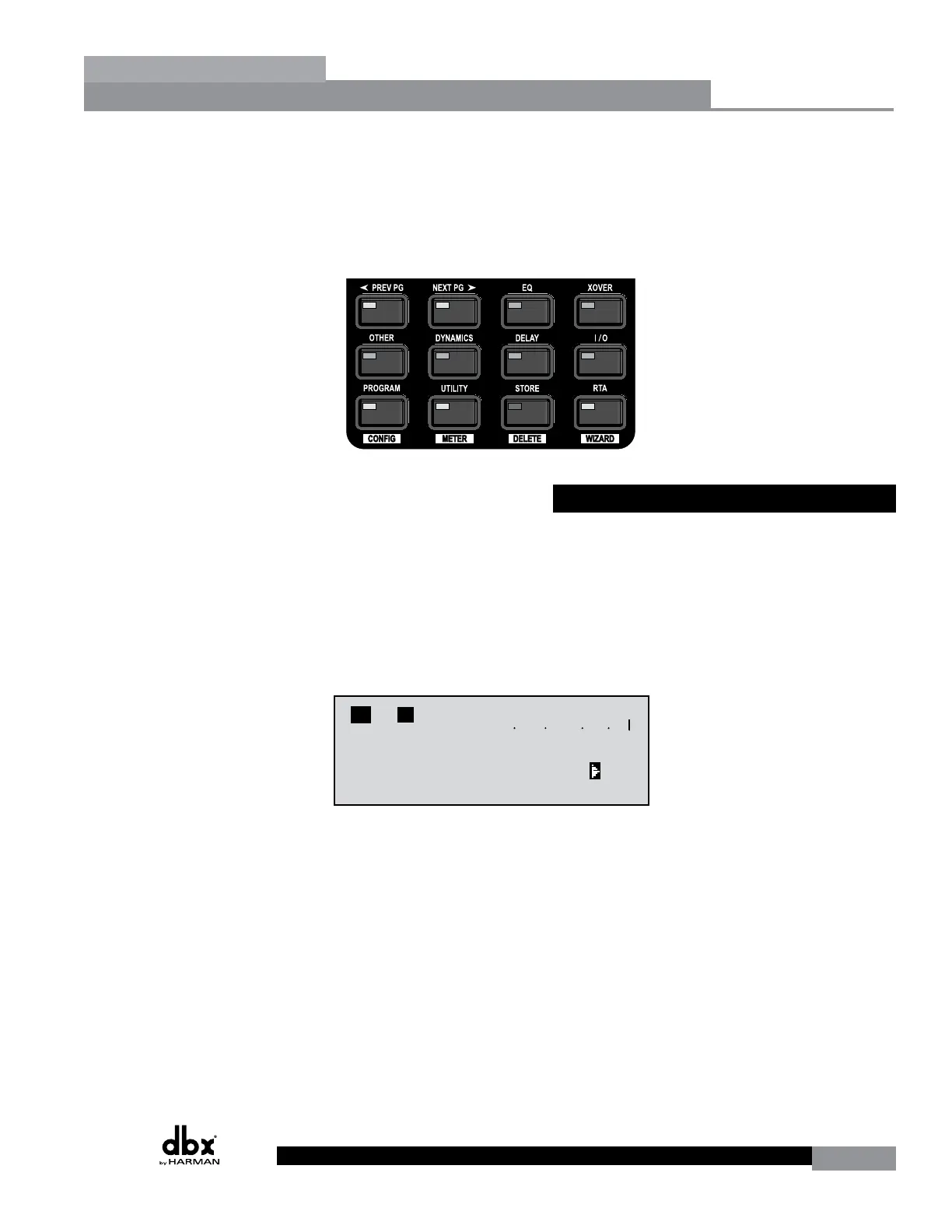
To instantly access an effect module, simply press the corresponding button in the button array
for the desired module.
3.3 Editing Factory Programs
Once you have reached the module that you wish to edit, use the PREV PG and NEXT
PG buttons to move through the pages within the module. The DATA wheel is used to edit
parameter values. The following illustration shows an example of the Compressor module in
edit mode:
Note: The cursor indicates the currently selected parameter for editing. To select parameters
to edit from the current page, press the DATA wheel until the cursor is next to the parameter
that you wish to edit.
M
6
4
2
5
3
1
M
A
B
Program 1
8
FACT
Over Easy OFF
Compressor ON
COMP THR
-50 -30 -12 -5 0
LR
- 0 +
<DATA> - SELECTS CHARACTER
<PREV/NEXTPG> - LEFT/RIGHT:
PRESS <STORE> TO ADVANCE
NAME: ROCK VENUE
SR4725+sSub
INSERT:
PRESS <STORE> TO ADVANCE
STORE: Program 1
U6 SR4725+sSub
Replacing
PRESS <STORE> TO ADVANCE
STORE: ROCK VENUE
U1 DJ Setup
G
G
C
F
N
S
D
D
P2X6 PP
Replacing:
U 1 Program 1
Configuration Functions



 To Next Page