20
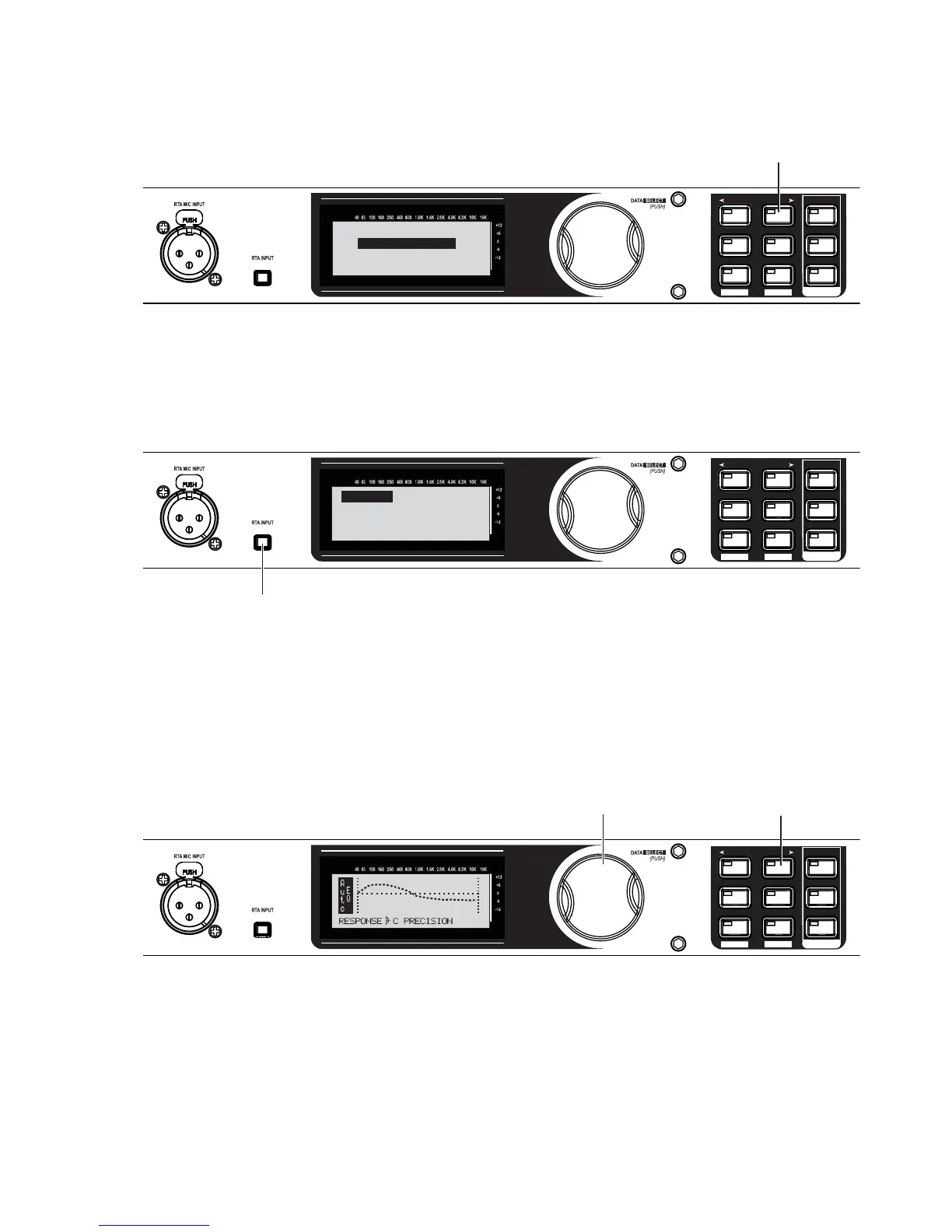
Now the Auto-EQ wizard will begin.
SETUP
AFS
RECALL
SUBHARMONIC
COMP/LIMITER
UTILITY
PRESET
NEXT PG
STORE
EQ
WIZARD
UTILITY
PREV PG
WIZARD
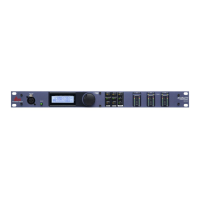
Press the NEXT PG button.
DriveRack PX
Auto EQ WIZARD
<NEXT PG> to advance
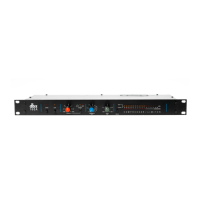
With the RTA microphone still connected and in the same position as in step 14, press the RTA INPUT
button.
SETUP
AFS
RECALL
SUBHARMONIC
COMP/LIMITER
UTILITY
PRESET
NEXT PG
STORE
EQ
WIZARD
UTILITY
PREV PG
WIZARD
Press the RTA INPUT button.
Connect mic to RTA
input. Press RTA
input button.
Auto EQ
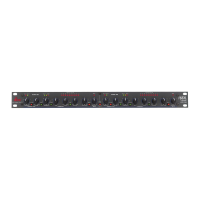
Turn the Data Wheel to select a frequency response for the Auto-EQ. For our example, select Response
C. Then press the <Next pg> button to continue. Auto-EQ will match the curve selected.
SETUP
AFS
RECALL
SUBHARMONIC
COMP/LIMITER
UTILITY
PRESET
NEXT PG
STORE
EQ
WIZARD
UTILITY
PREV PG
WIZARD
MED
B. Press the
NEXT PG button.
A. Turn the Data Wheel
to select a frequency
response for the Auto-EQ.
20.
21.
22.


 To Next Page