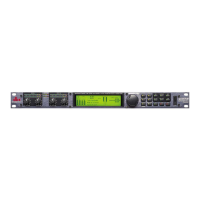
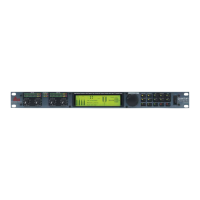
Data Wheel
The Data wheel is used to select and edit parameter values.
Page Buttons
Allow paging microphone path selection and page steering.
Output Meter
Six-segment output meter representing -30dBu to +20dBu.
Output Select Button
Allows selection of output for front panel control.
Threshold Indicator
Indicates that the threshold level has been exceeded within the output Compressor, Auto
Gain Control or Limiter sections (and therefore gain reduction may be taking place).
Section 2
Getting Started
5
ZonePro
TM


 To Next Page