17
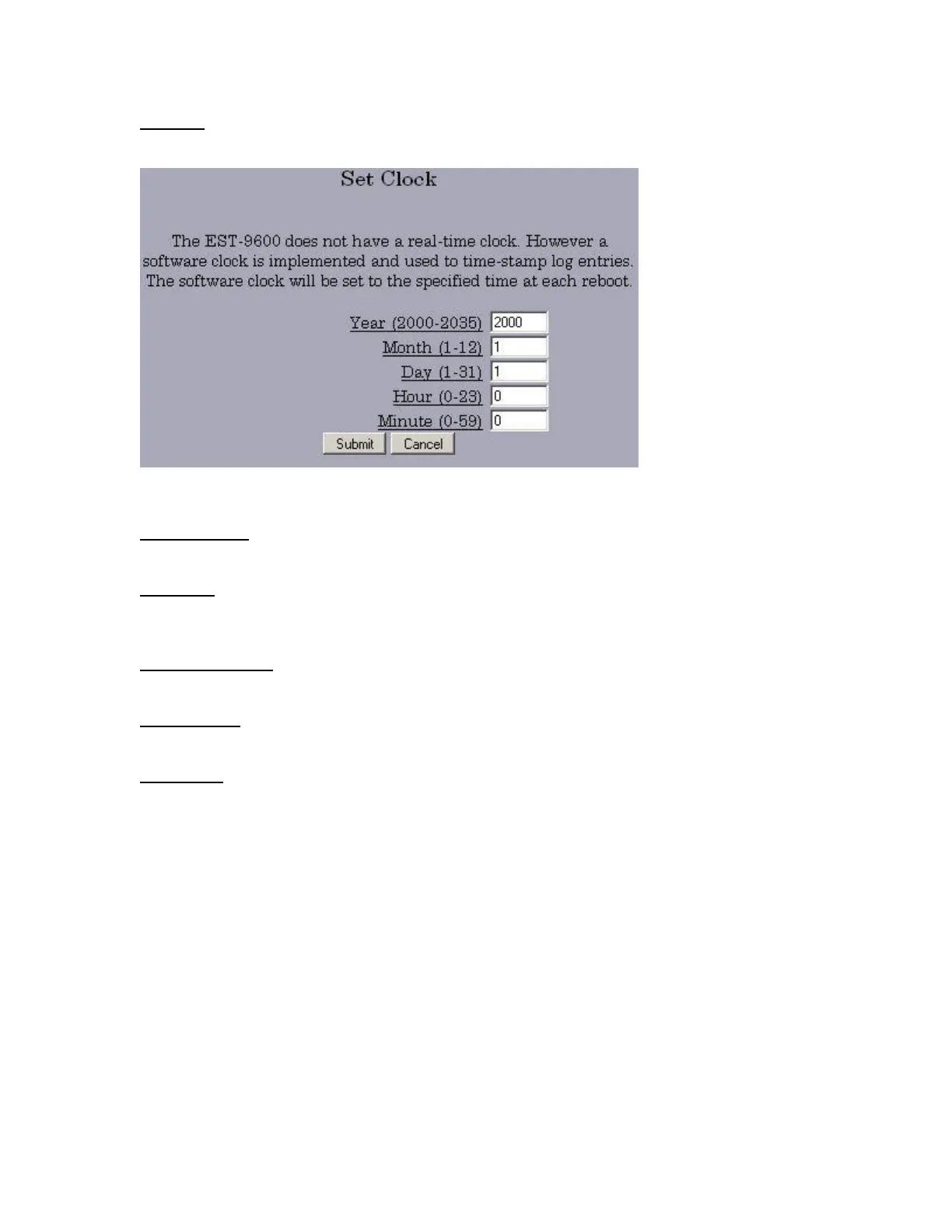
Set Clock sets a relative clock, relative to the power-on time of the EST-9600. The clock is reset
when the EST-9600 is rebooted.
Set All Defaults puts all the settings back to the factory default state.
Config File is a way to save the configuration file to a PC or to load a working configuration file from
a PC into the EST-9600.
Firmware Upgrade is used to upgrade EST-9600 firmware.
System Reboot reboots the EST-9600.
Version Info reports the firmware version.



 To Next Page