Need help?
Do you have a question about the DCN S4600-10P-SI and is the answer not in the manual?
Overview of S4600 series switches, their models, and capabilities.
Details on management port, power input, consumption, operating temperature, humidity, and dimensions.
Comprehensive description of the switch hardware components and features.
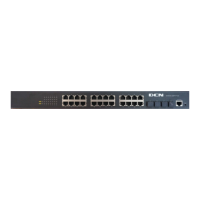
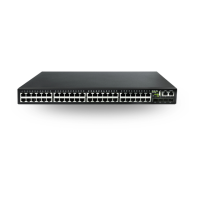
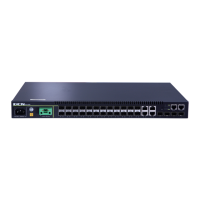
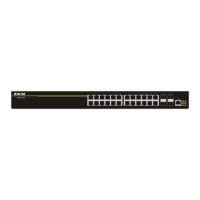
Detailed description of the front panel components and ports for various switch models.
Description of the back panel components, including power and grounding connections.
Explanation of port and system status indicators and their meanings.
Detailed description of the specifications for RJ-45 and SFP ports.
Important guidelines and precautions for installing the switch.
Requirements for dust, particles, temperature, humidity, power, and interference.
General instructions and precautions to follow before and during installation.
Warnings related to laser safety, electrical hazards, and improper handling.
Steps to prepare for the installation, including verifying package contents.
Instructions to check all items received in the switch package.
List of necessary tools and materials for performing the installation.
Step-by-step instructions for physically installing the switch.
Procedures for attaching brackets and mounting the switch into a rack.
Steps to connect the console port for initial configuration.
Instructions on how to install SFP transceivers into the switch.
Procedures for connecting copper and fiber optic network cables.
Steps for connecting the switch to the power source.
 General
| Model | DCN S4600-10P-SI |
|---|---|
| Ports | 10 |
| PoE Ports | 8 |
| Switching Capacity | 20 Gbps |
| Forwarding Rate | 14.88 Mpps |
| MAC Address Table Size | 8K |
| Dimensions (W x D x H) | 440 x 220 x 44 mm |
| Weight | 3.5 kg |
| Operating Temperature | 0°C to 45°C |
| Storage Temperature | -40°C to 70°C |
| Operating Humidity | 10% to 90% (non-condensing) |
| Storage Humidity | 5% to 95% (non-condensing) |
| Packet Buffer | 1.5 MB |
| Type | Managed |
| Layer | Layer 2 |
| VLAN | 4096 |
| Power Supply | AC 100-240V |

 To Next Page