© 2016 DDN STORAGE. P/N 15-000836-001 SFA7700 CMOS and Backup Battery Replacement Instructions | 3
• 1 anti-static wrist strap
• 1 set of replacement warranty stickers
• 1 small nylon ziptie
• 1 copy of this replacement document
Required Tools
• #1 Phillips screwdriver
• Small needle nose pliers (optional)
• Small wire snipping tool
When to Replace the Backup Battery
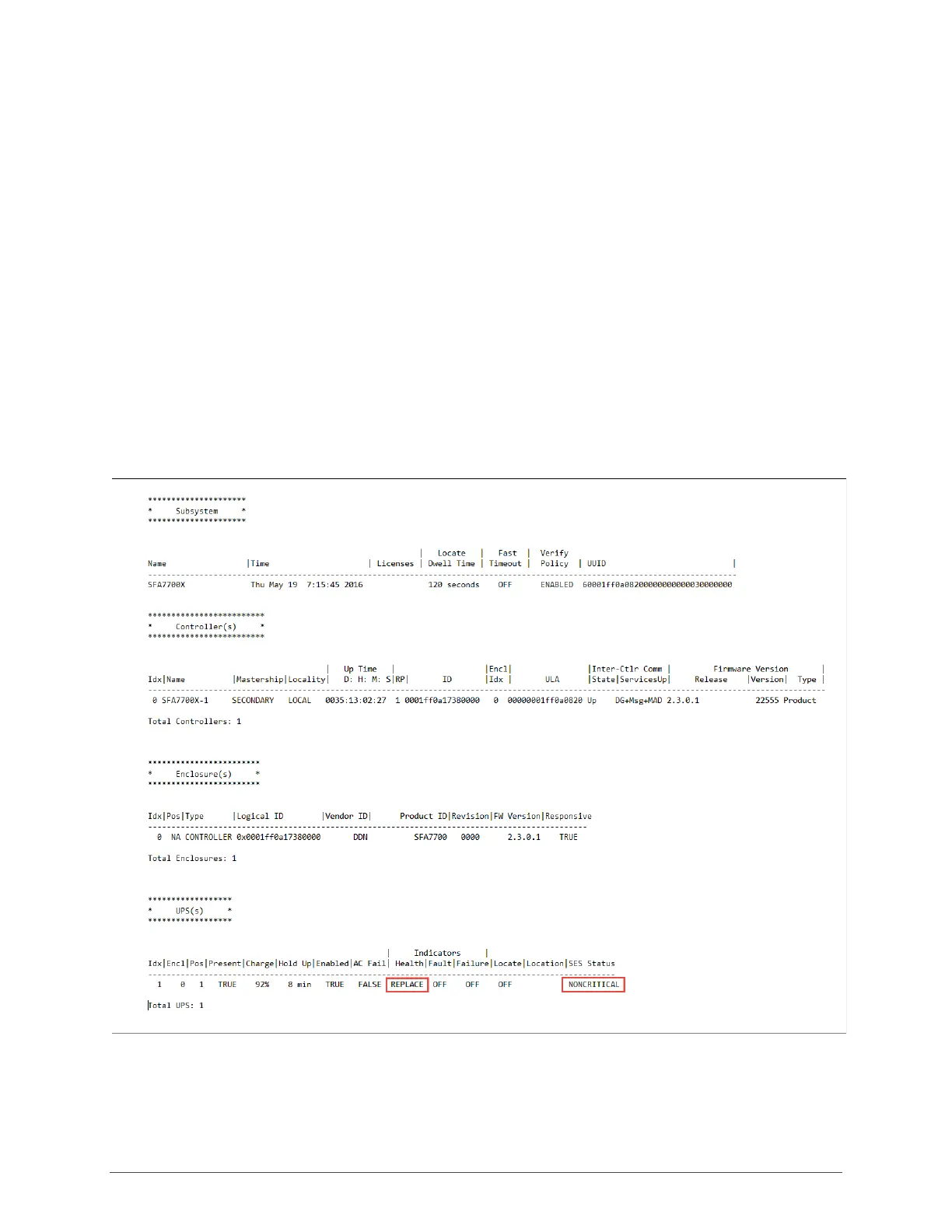
When the backup battery nears the end of its three year life, the SFA OS will generate an alert that
the replacement date is eminent in the event log as well as the output of SHOW UPS ALL (Figure 1).
A child fault will also appear in SHOW SUB FAULT.
Figure 1
The status of the battery’s charge can also be determined visually by removing the controller and
turning it upside down to access the battery’s test button and LEDs (Figure 2).



 To Next Page