© 2016 DDN STORAGE. P/N 15-000836-001 SFA7700 CMOS and Backup Battery Replacement Instructions | 8
Figure 8
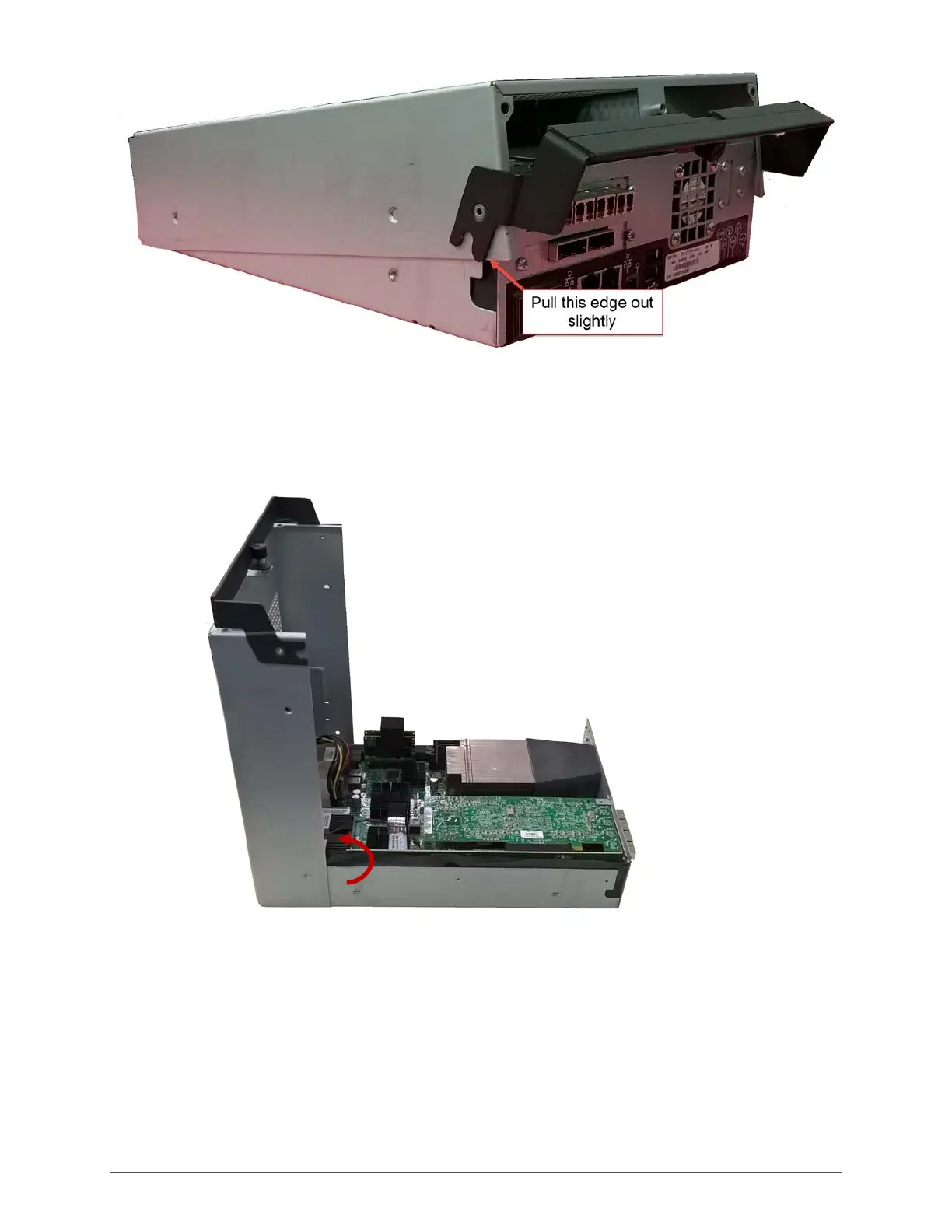
5. To free the top of the controller, lift the top at the front edge (the end with the ports) and
rotate it 90 degrees as if it were attached by a hinge (Figure 9). The left front edge of the
unit’s top must be pulled out slightly to allow the top of the controller housing to swing free.
Figure 9
6. Swing the top backward and lay flat (Figure 10).



 To Next Page