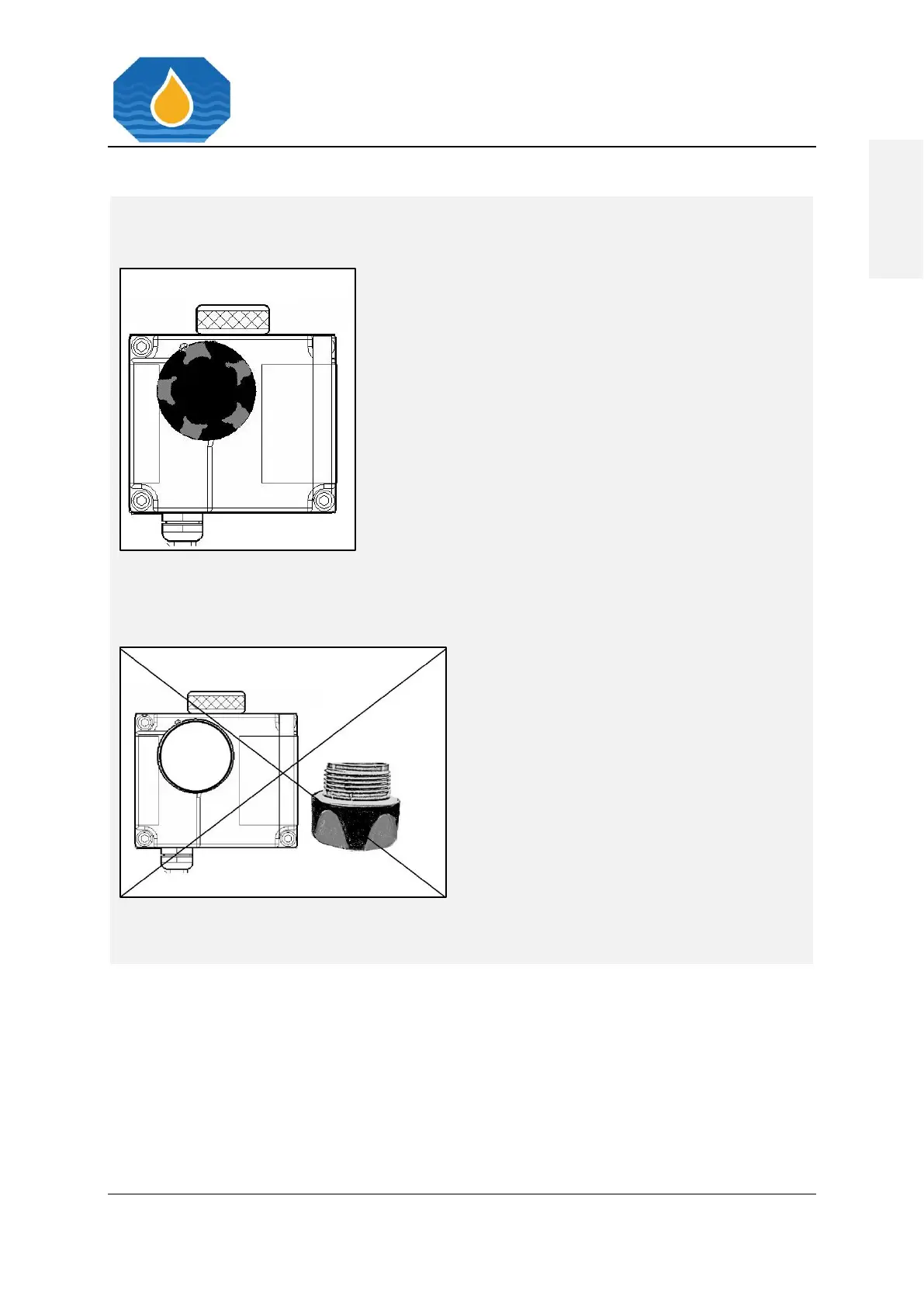
1. Press “SYS” Button, select Measuring
Cell, confirm.
2. Internal data will be displayed.
3. The relative humidity [%rH] should be
below 10%rH.
4. The dew-point Temperature should be
below 0° C.
5. If not, exchange desiccator.
6. The desiccator also has to be exchanged,
if humidity is higher 40%rH.
Do not expose the Desiccator to ambient
air. Do not leave the Desiccator opening
uncovered.



 To Previous Page