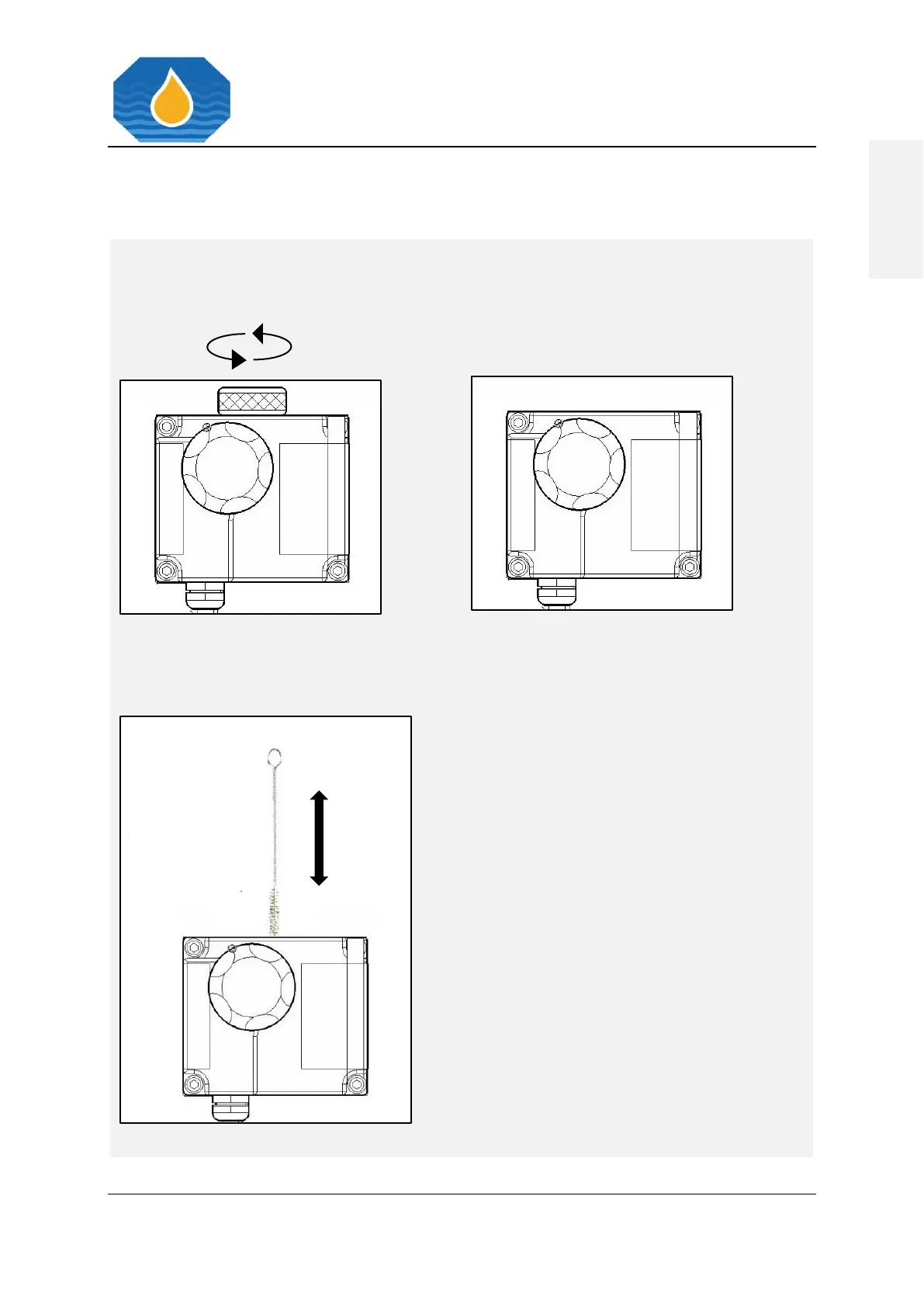
1. For cleaning the Sample Glass Tube, use
the Cell Cleaning Brush with upwards
and downwards motion through the
Measuring Cell several times. Use some
water to wet the Cell Cleaning Brush.
2. Remove the Cell Cleaning Brush and
replace the Cell Cap.
3. Switch clean water valve to fresh water
and allow oil free water to flow through
the instrument for few minutes.
4. Avoid air bubbles in the stream.
5. Verify, that the display shows 0 to 2 ppm.
6. Cleaning has been sufficient if display
shows 0 to 2 ppm.



 To Next Page