5 Operating Servo model
46
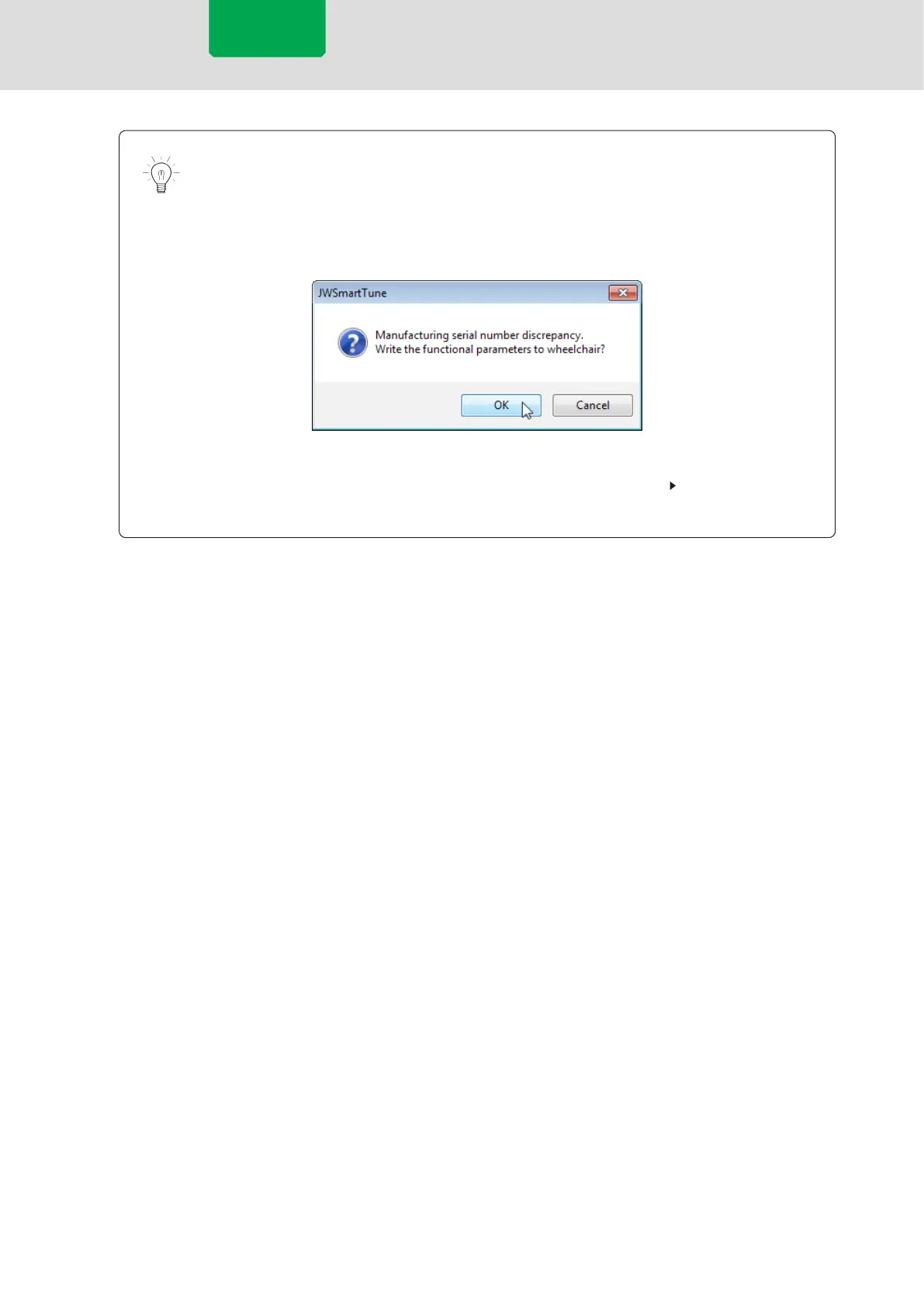
When the manufacturing serial number in the data to be written differs from the
manufacturing number of the connected wheelchair due to use of data set using
another wheelchair or the like, a conrmation message appears. In such a case,
even if you press [OK] to write the manufacturing serial number, the manufacturing
serial number information in the wheelchair will not be replaced.
When the manufacturing serial number information in the wheelchair needs to be
replaced, perform the replacement using the Service window.
P.63 “5.8.3 Enable
to change product serial No.”
6
Exit the application, and turn the power of the wheelchair OFF and then ON again.
Servo model


 To Next Page
 Loading...