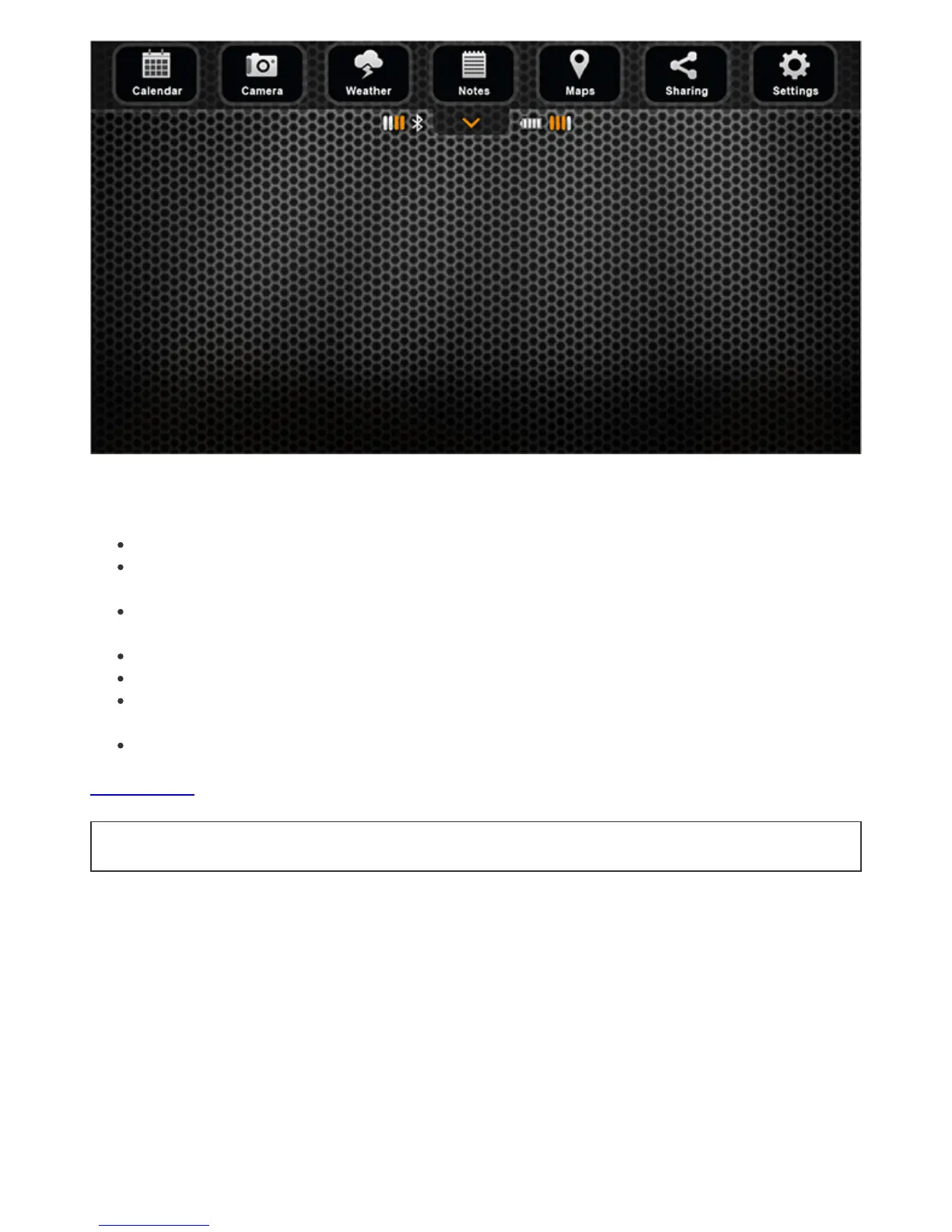
Themenuofthemainscreenallowsyoutoaccessvariousfeaturesoftheapplication,as
listedbelow:
Calendardisplaysmooncyclesandfishactivitylevelsatyourchosenfishinglocation.
Camerafeatureallowsyoutotakephotosofyourcatchwithoutleavingthe
application.
Weatherdisplayscurrentweatherconditionsandforecastforyourchosenfishing
location.
Logbookenablesyoutokeepafishingjournalwithnotesandpictures.
Mapshowsyourcurrentlocationandhelpsyoufindandmanagefishingspots.
Sharefeatureallowsyoutoquicklysharepictures,commentsandyourlocationon
socialnetworks.
Settingsallowyoutochangesetupofyourapplicationandgadget.
BacktoTOP


 To Next Page