Captureimage Disables/Enablesflash
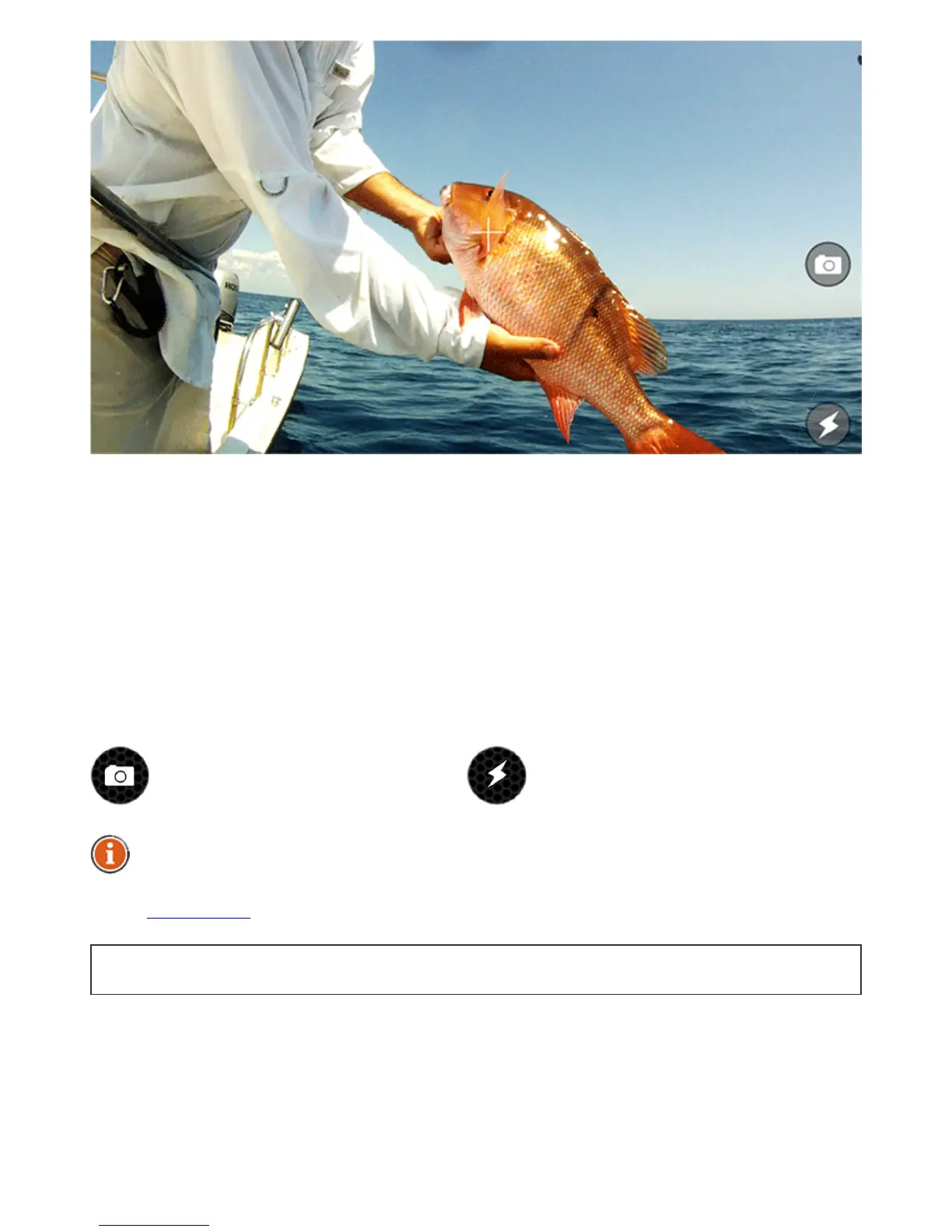
TheCamerafunctionallowsyoutotakephotoswithoutleavingtheapplicationandsave
theirentriesalongwithcomments.Justaimandclicktheshuttericontosnapaphoto.The
flashcanbedisabledorenabledbyclickingitsicon.
Onceyoutakeaphoto,ascreenwillappearwhereyoucanaddatitle,descriptionandsave
theentry.Youcanalsotakeadditionalphotosbyclickingonthecameraiconorremove
previousphotosfromthisentry.
SavedphotoentrieswillappearintheNotesalongwiththetitle,comments,dateand
weatherconditionsduringwhichthephotowastaken.Thephotoentrywillalsoincludethe
locationatwhichitwastakenifyouareusingaGPSenabledmobiledeviceoratablet.
Thephotoentriescanbesharedonsocialnetworksbyaccessingthemthroughthe
Notes.
BacktoTOP



 To Next Page