1. Product introduction
1.1. Contents
Smart watch * 1; Charging cable *1; Instruction manual * 1
1.2. Specifications
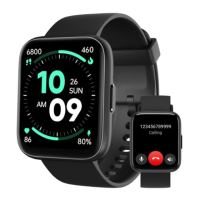
Model: Navv smartwatch
DISPLAY
Material: TFT
Size: 1.83 inches
Resolution: 240*280
PPI: 218
BATTERY
Battery capacity: 300mAh
Charging method: Magnet type
Charging time: Approximately 1.5 hours
Battery life: 3-10 days
SENSOR
Connection: BLE5.3
Waterproof level: IP68
STRAP
Color: Black
Material: Silicon
Width: 22mm
Minimum/maximum wrist size: 155 --218 mm
2. Initial setting
2.1. App download
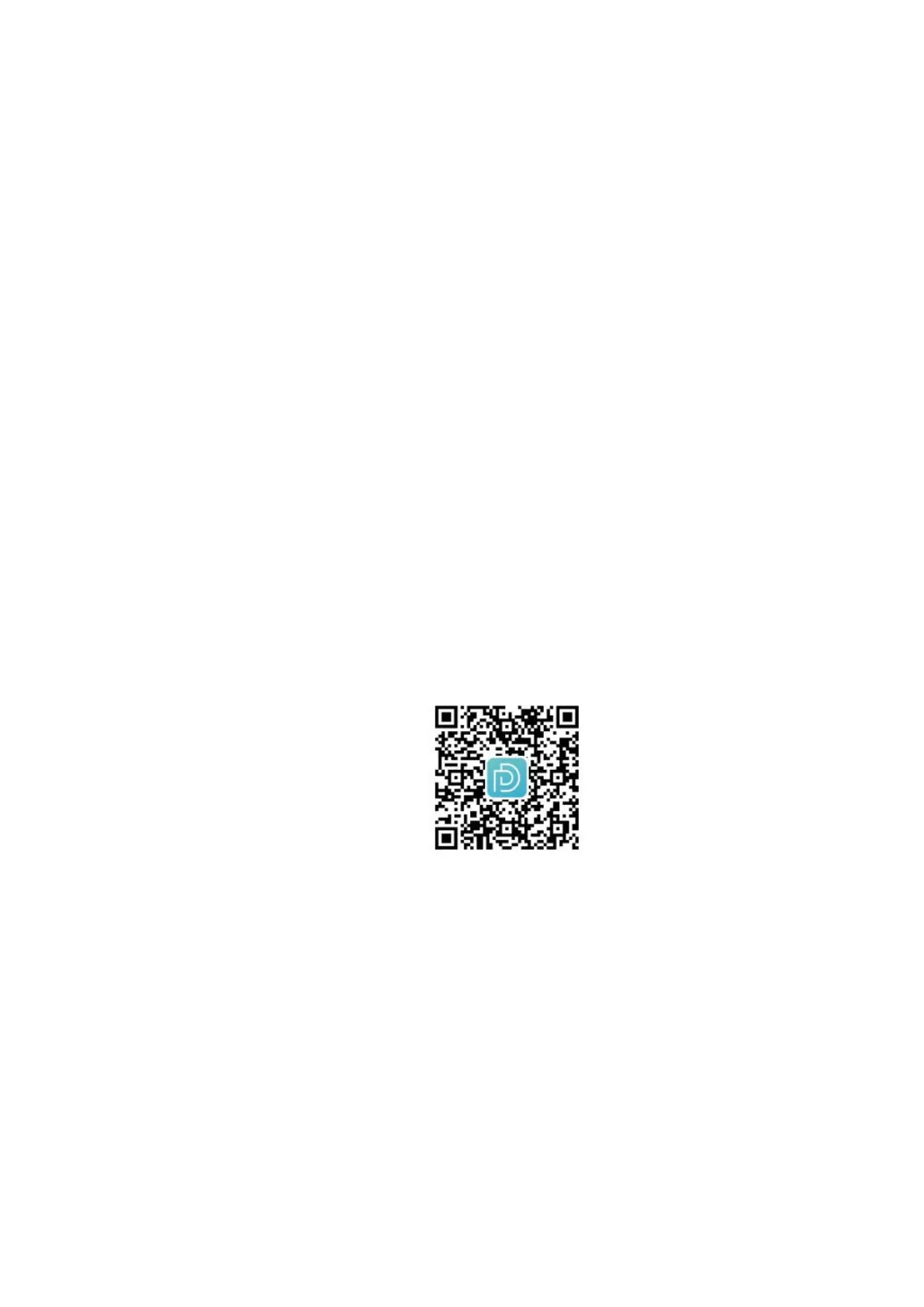
(1) Scan the QR code with your smartphone to download the Deeprio App. Or Search “Deepro” on
Google Play or App store to download and install the APP.
(2) This smartwatch is not compatible with iPad and PC.
(3) System compatibility: iOS 10.0 or later; Android 6.0 or later; Bluetooth 4.2 or later.
2.2.Registration and login
Create an account: Open Deeprio App > Select countries and regions > Enter the Email Address > Agree
the User Agreement and Privacy Policy > Click the ‘Login’ button > Enter the Verification code > Set your
password and personal information.
Note:
1. Visitor Mode is no need to register an account, but the data will not be uploaded to the cloud end. If
you change the smartphone, the data will not be synced directly.
2. If you do not receive the verification code, please


 To Next Page