2.3.2. About pairing
(1) Please kindly tap "Allow", "Agree" and "Done" when login.
(2) Please kindly make sure the watch you want to be paired is not connected to another phone/device.
One watch can only be paired and bound by one phone at the same time.
(3) Please kindly make sure your phone's Bluetooth is enabled.
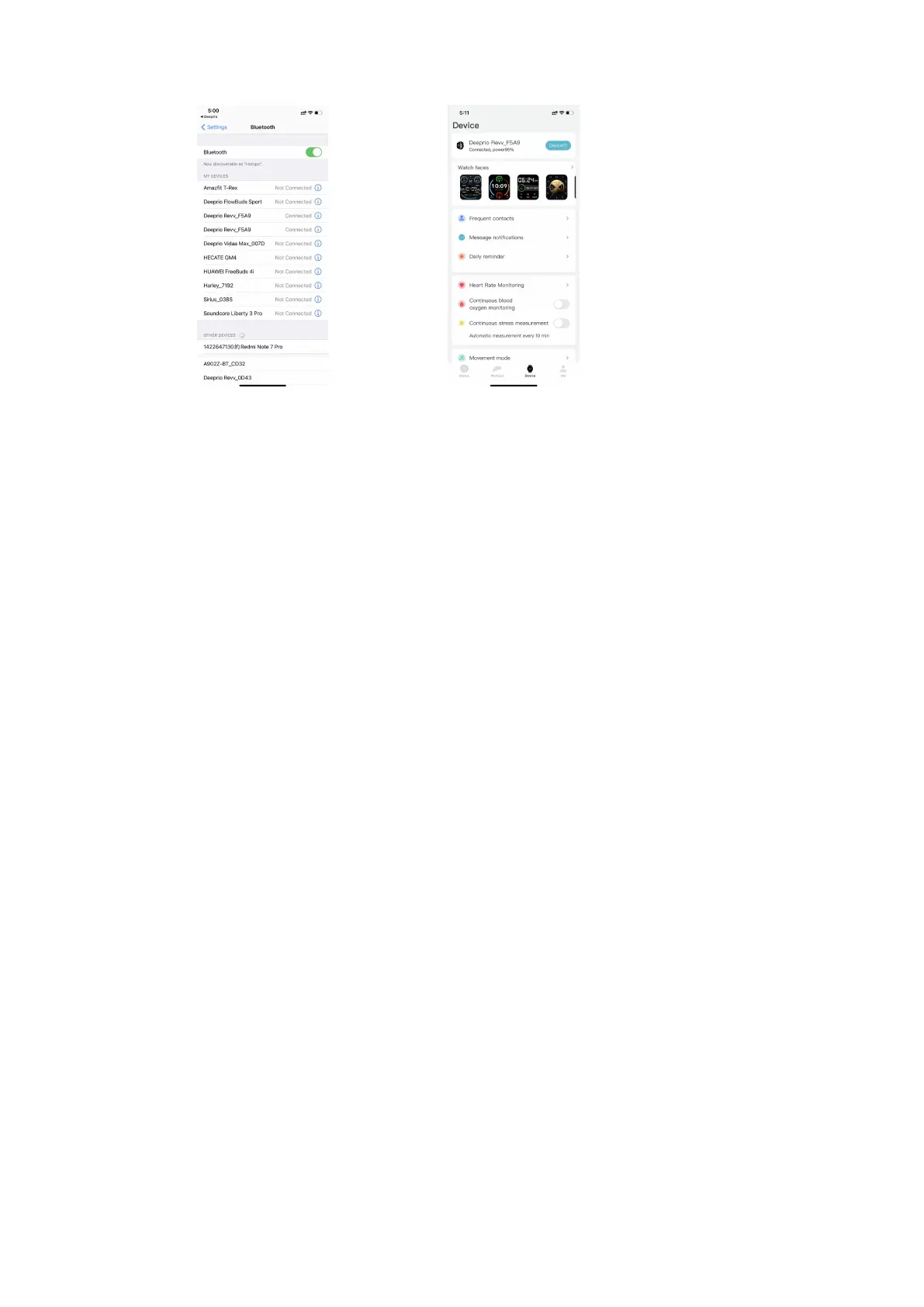
(4) Please DO NOT pair the watch via the system's Bluetooth at the first step of pairing, it needs to pair
the watch via the Deeprio App. (If you have paired the watch via the Bluetooth of the system, you need
to ignore this device from the system's Bluetooth list and then pair the watch via the Deeprio App
again)
(5) Please kindly enable the “Location” on your phone’s settings.
(6)Please let the phone pair with the watch within 0.5 meters at the first time.
(7) The data on your watch will be cleared when operating unbind with the watch.
2.3.3. Unbind device
Please unbind the watch if you would like to use another phone to pair it with the watch. Here are the
steps:
Unbind the watch with the APP: Deeprio App > Device > More device settings > Unbind
Note: For the iOS system, an additional necessary step is to Unbind the Bluetooth: Open Bluetooth on the
system > Deeprio Revv_XXXX >tap Setting icon > Forget This Device twice.


 To Next Page