-21-
- - - - - - - - - - - - - - - - - - - - - - - - - - - - - - - - - - - - - - - - - - - - - - - - - - - - - - - - - - - -
12.6 Camera Angle Adjustment
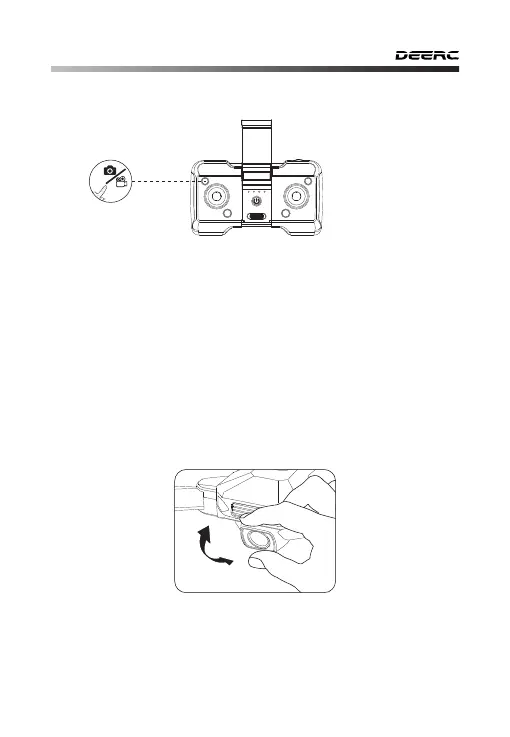
By rotating the drone's camera manually, the camera's shooting angle
will be adjusted. Please adjust the angle according to the using
situation. (The camera has a 70° tilt range.)
Take Photo: Short press the Take Photo/Record Video button, the
transmitter sends out a “Di” sound, indicating that the camera has
taken one photo successfully.
Record Video: Long press the Take Photo/Record Video button, the
transmitter sends out a “DiDi” sound, indicating that the camera is
recording video. Long press the button again to exit the Record
Video.
12.5 Take Photo/Record Video



 To Next Page